


Key points
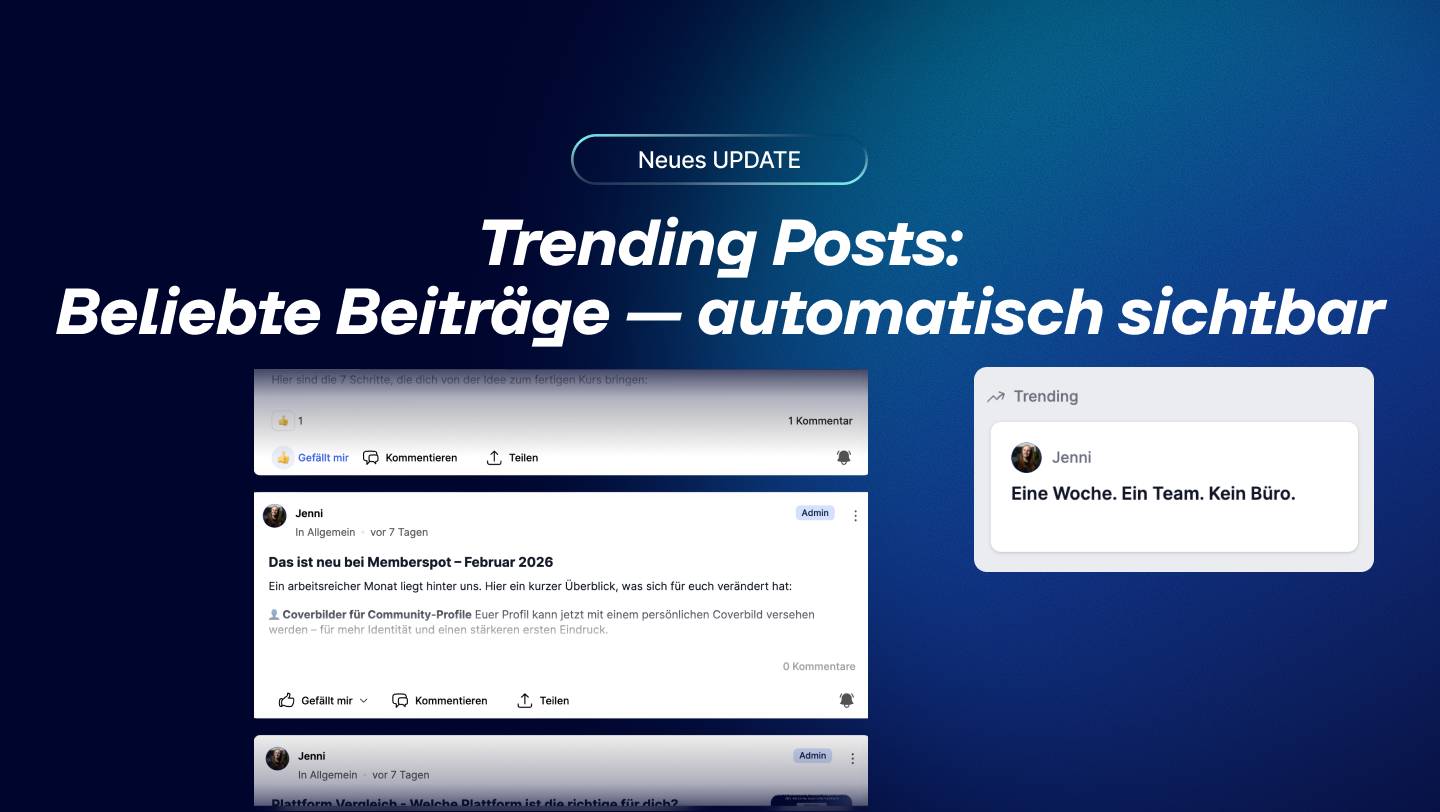
- "Trending Posts" automatically displays the most popular posts in your community in the sidebar
- The ranking is based on reactions and comments from the past 7 days — comments count double
- Fully automatic — no admin settings required
Good posts disappear. Someone posts something relevant, gets a lot of reactions—and two days later, hardly anyone has seen it. Trending Posts changes that.
What's the story behind this?
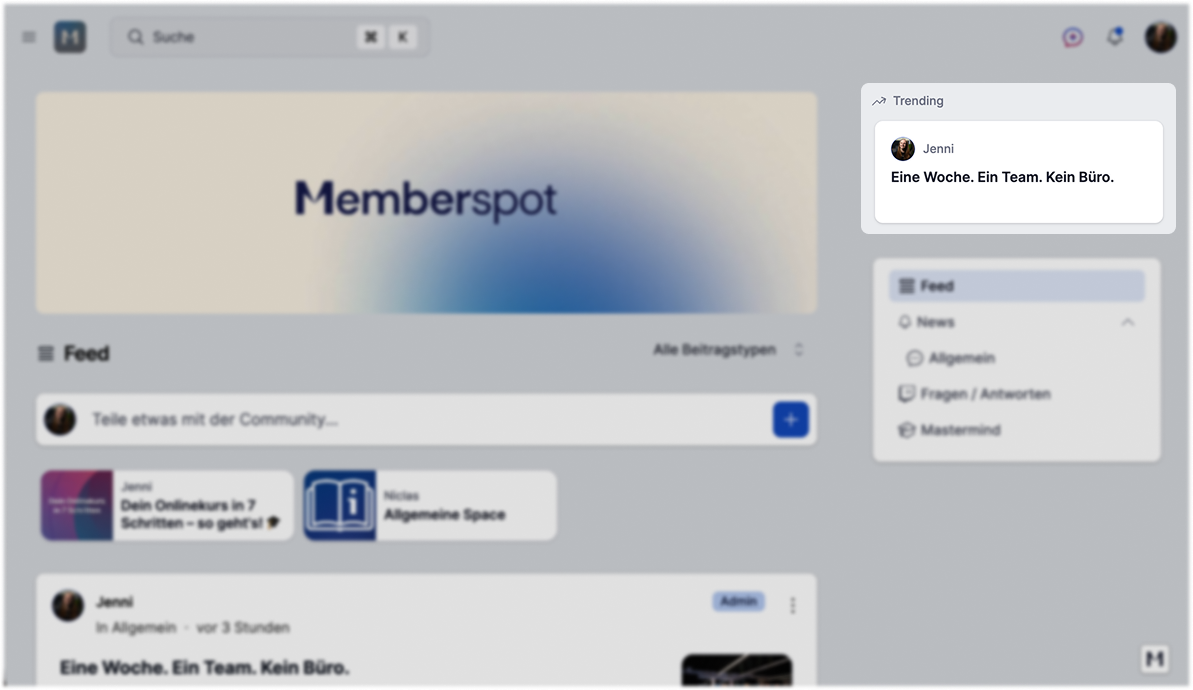
The new sidebar widget automatically displays the posts that are currently generating the most engagement—reactions, comments, and recent activity. Members can see at a glance what’s being discussed right now. No scrolling, no searching. Learn more in the help article.
The widget appears on the right side of the sidebar when the two-column layout is active—on desktop, above the Space navigation. Have you enabled the two-column layout yet? Learn more in our "What's New" article , "Community Layouts: One Column or Two Columns—Which One Is Right for You? ", or in our detailed help article on community layouts.
In practice — three examples
Coach with an active community
You post a lot. Not everything goes equally well—but some posts really strike a chord. Trending Posts makes sure that those posts stay visible. Automatically, without you having to highlight them again.
Knowledge-based companies with internal knowledge sharing
Acolleague asks a question that gets 15 comments. It’s a discussion that everyone should really read—but most people just scroll past it. Trending Posts highlights it. No manual intervention, no admin work.
Agencies and communities with many spaces
Themore Spaces there are, the more gets lost in the shuffle. A post might do well in one Space—but members of other Spaces never see it. Trending shows what’s relevant across the entire platform. Each member only sees what they have access to—private Spaces remain private.
Here's how the rankings work
Two factors determine which posts are trending:
Engagement — Reactions and comments matter. Comments are weighted twice as much — they indicate a deeper level of interest than a quick "Like."
Timeliness — A post from today with 10 comments beats a post from last week with the same numbers. Only posts from the last 7 days are eligible.
Minimum requirement: 2 reactions or 2 comments. Posts with fewer than that will not appear. Pinned and scheduled posts are also excluded—they already have their own visibility settings.
The Member's Perspective
Each member can only see trending posts from Spaces they have access to. A post from a private Space remains there.
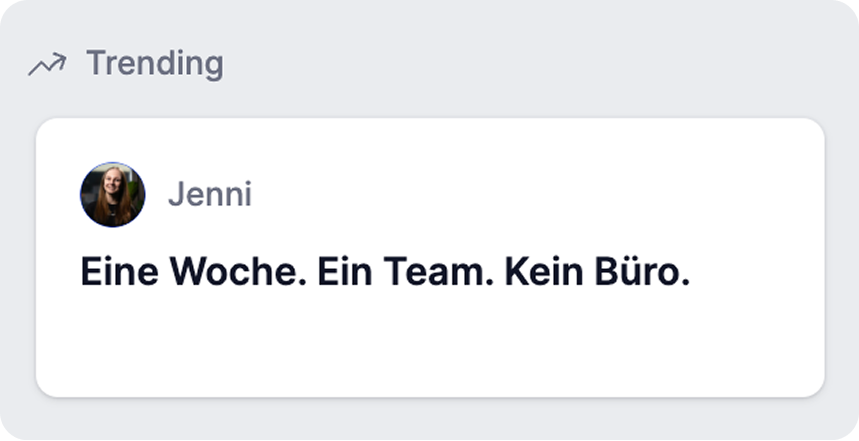
The widget displays up to 20 posts in a carousel—with an avatar, name, and title. Clicking on one opens the post directly in a pop-up window without leaving the page.
If no posts meet the minimum requirement, the widget will be hidden entirely.
Good to know
Trending is fully automated. Posts cannot be manually added or removed. If you want a post to disappear from the widget, pin it—pinned posts are automatically excluded.
The widget refreshes every 30 minutes.
Popular content stays visible—without anyone having to do anything manually. Check it out.



.png)



.png)