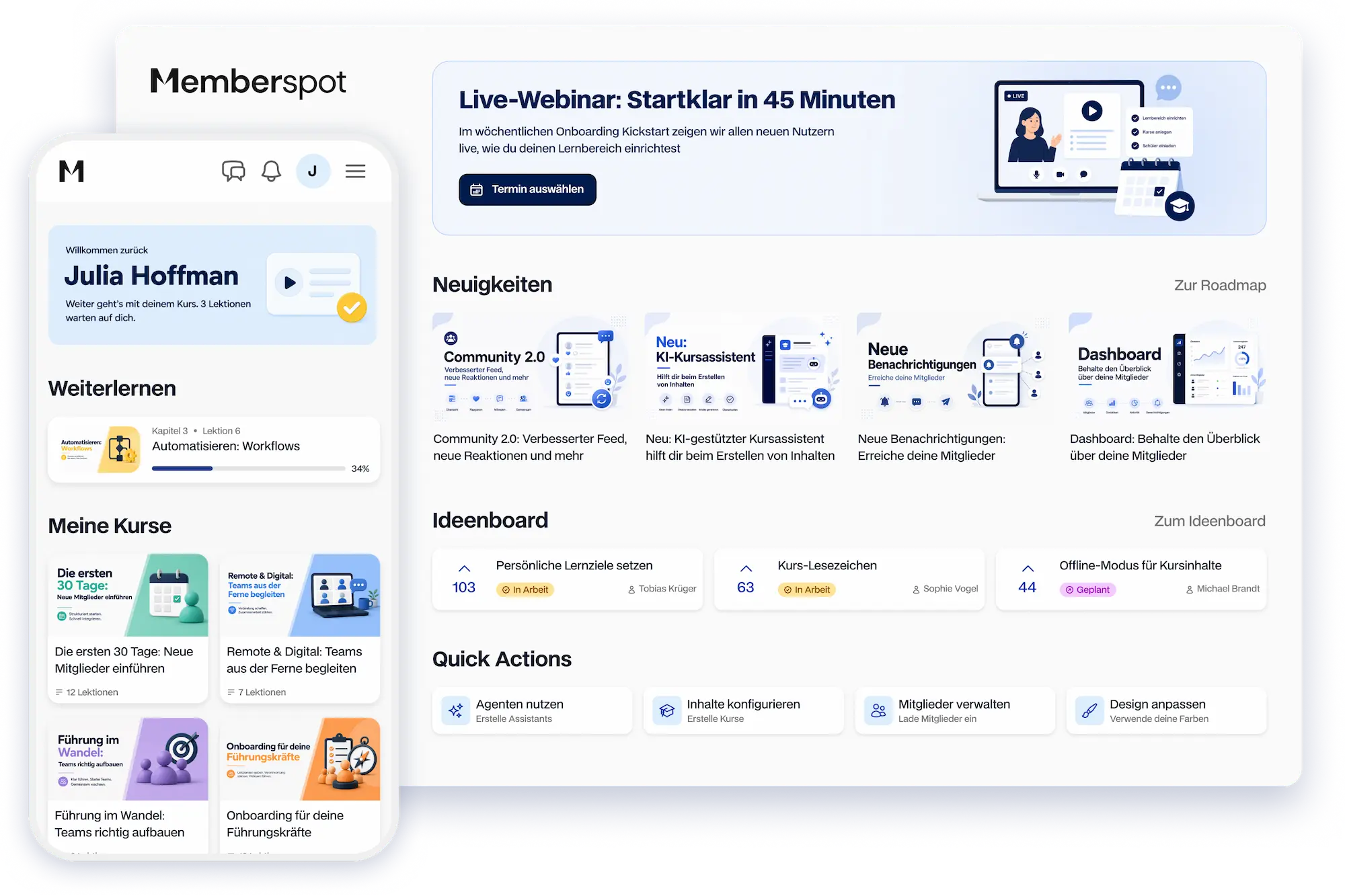



A community where members stick around.
Spaces, Feeds, Gamification, and Live Events—to keep members engaged in the learning environment instead of leaving.



Your community is in the learning area. Not on Discord.
Discussions, live events, and gamification—to keep participants engaged after the course ends.
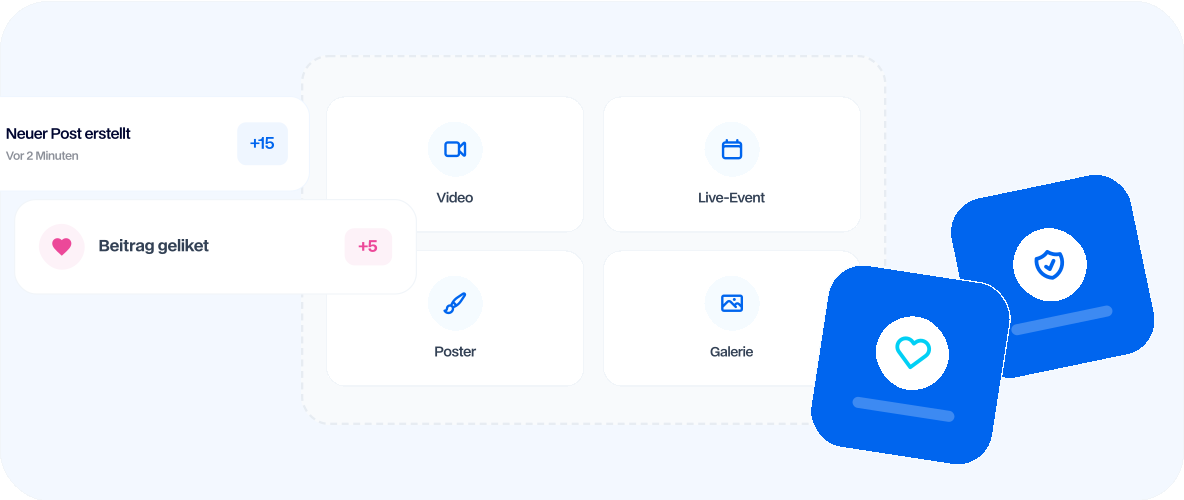
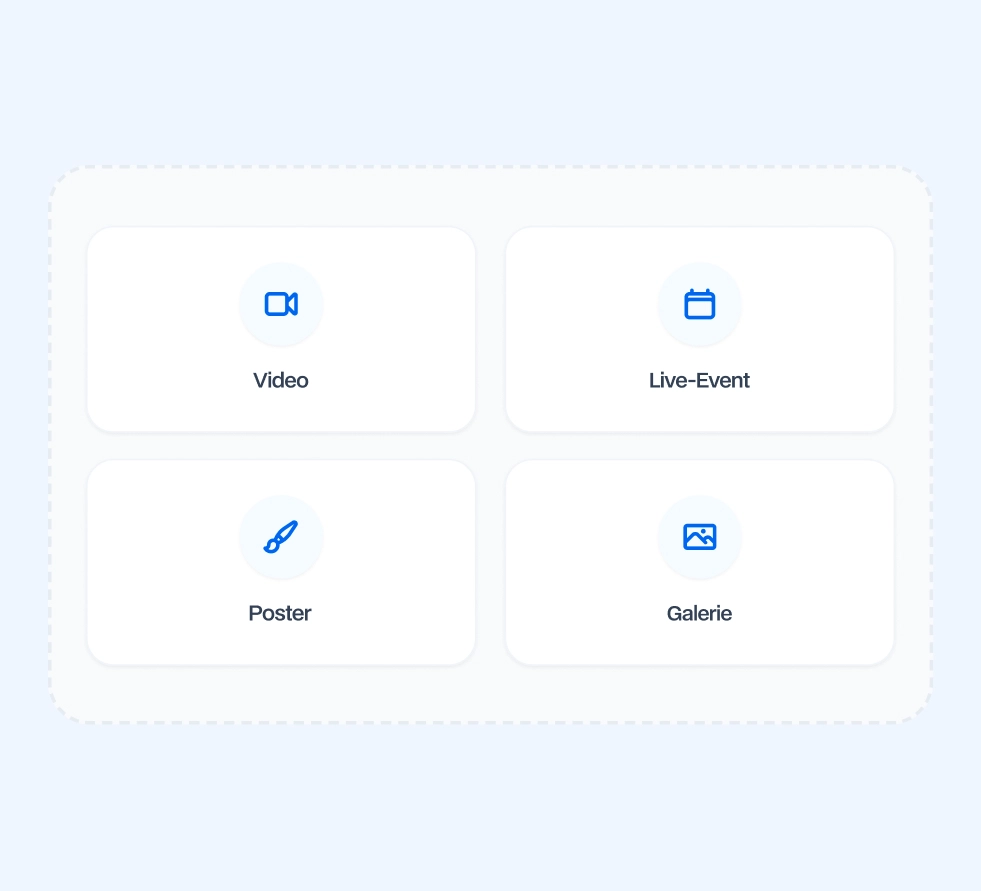
Discussions that your members have in the learning area
Spaces for topics, posts with reactions, and polls—discussions stay within the learning environment, not outside of it.

Create multiple custom Spaces for topics, cohorts, or member groups
Create posts with images, videos, files, and links
Reactions, comments, and nested replies per post
Use polls to gather opinions and make decisions based on your community's input
Trending posts automatically highlight the best of a space
.webp)
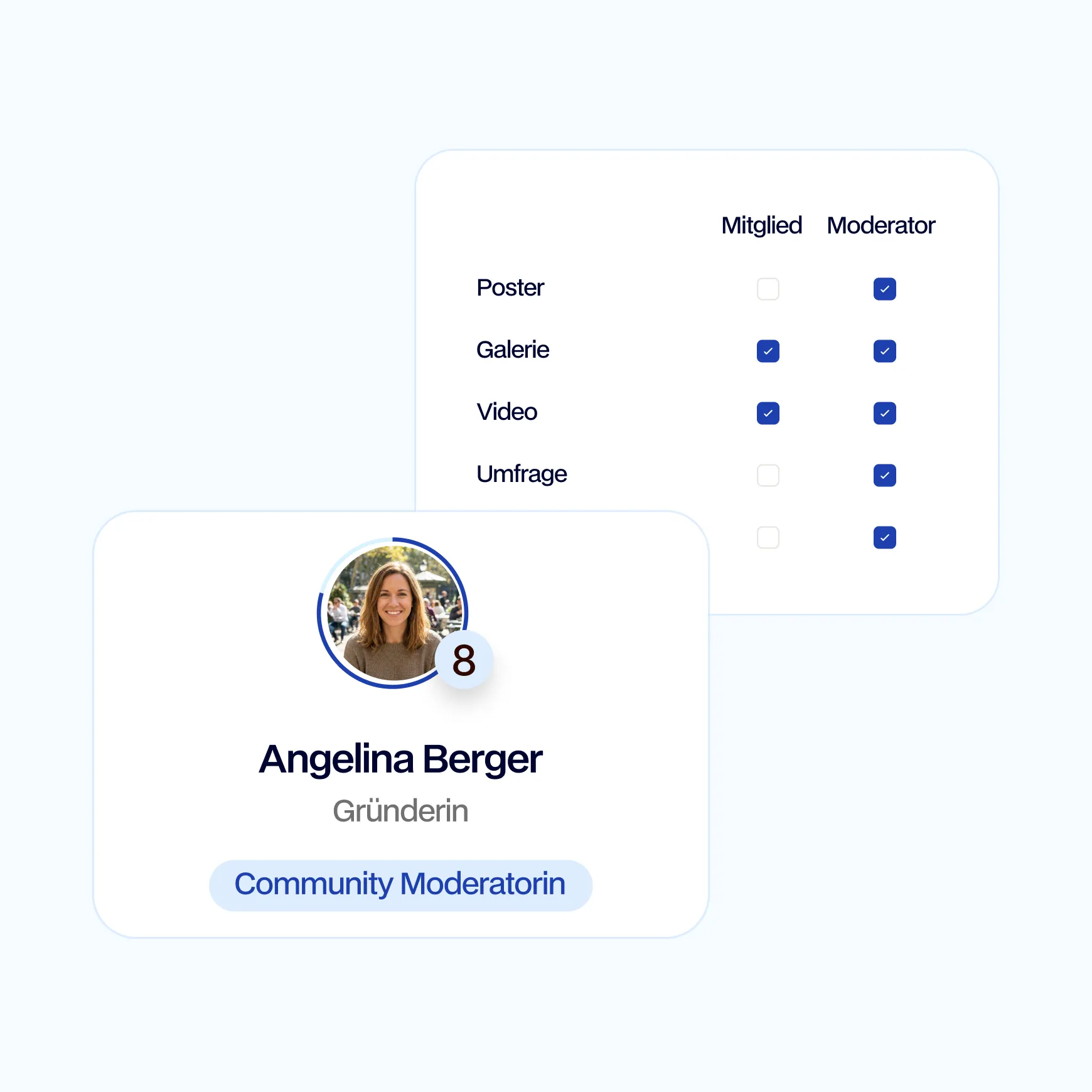
Facilitate discussions with your team without slowing them down
Moderators per space, a queue for new posts, and clear permissions—all without external tools.
Make members moderators, with permissions per space
Review posts in a queue before they are published
Pin posts, archive them, or close discussions
Create Private Spaces for selected members or cohorts only
When a member is deleted, anonymize their posts and preserve the discussion
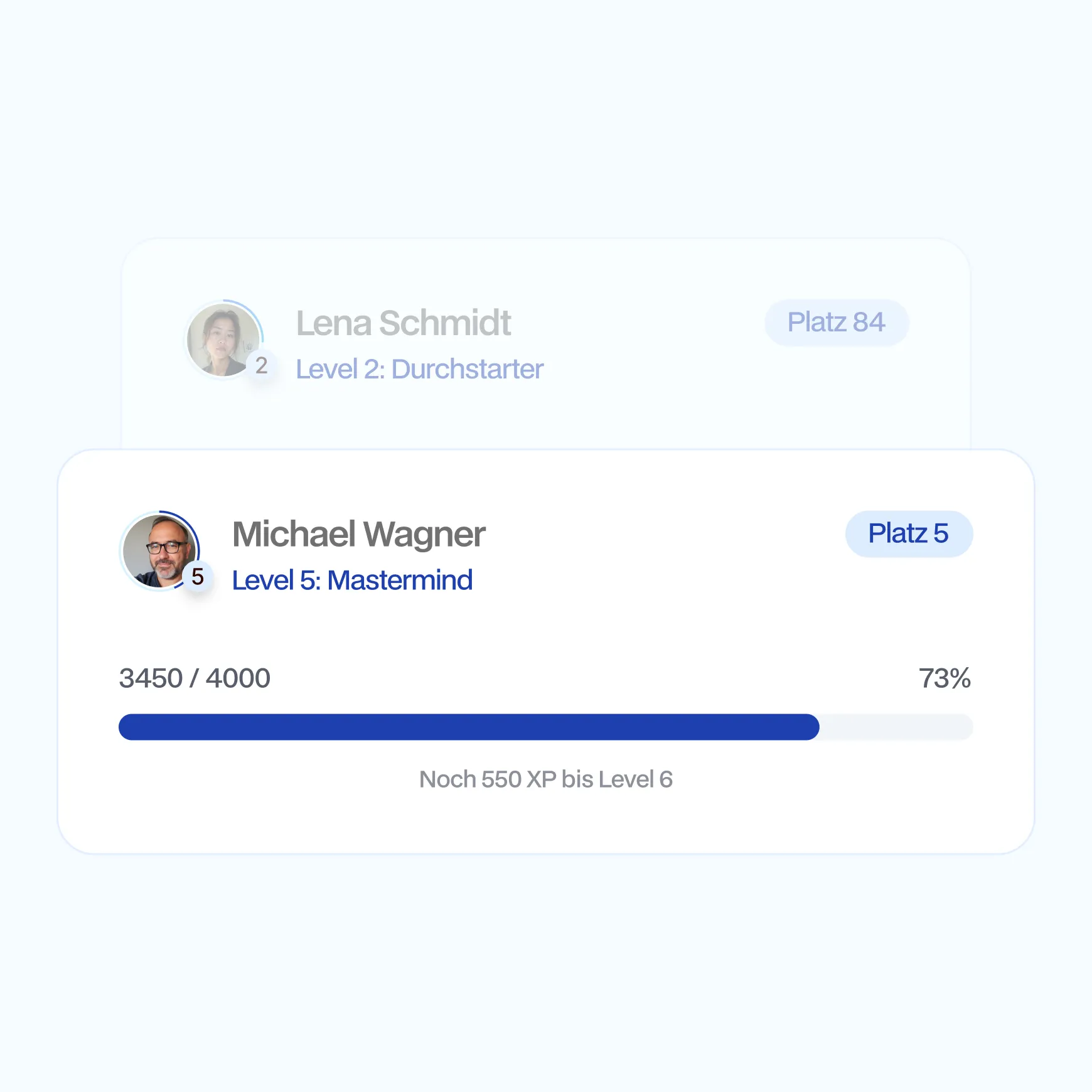
Reward active members with points, levels, and badges
Points for each activity, levels per space, and badges for milestones—that’s how activity becomes visible.
Award points for logins, posts, comments, and reactions
Define custom levels for each space or apply a preset
Award badges manually or unlock them automatically based on thresholds
Award badges for a limited time or permanently
Display the leaderboard by space or community-wide
Direct communication between members—via DM or in groups
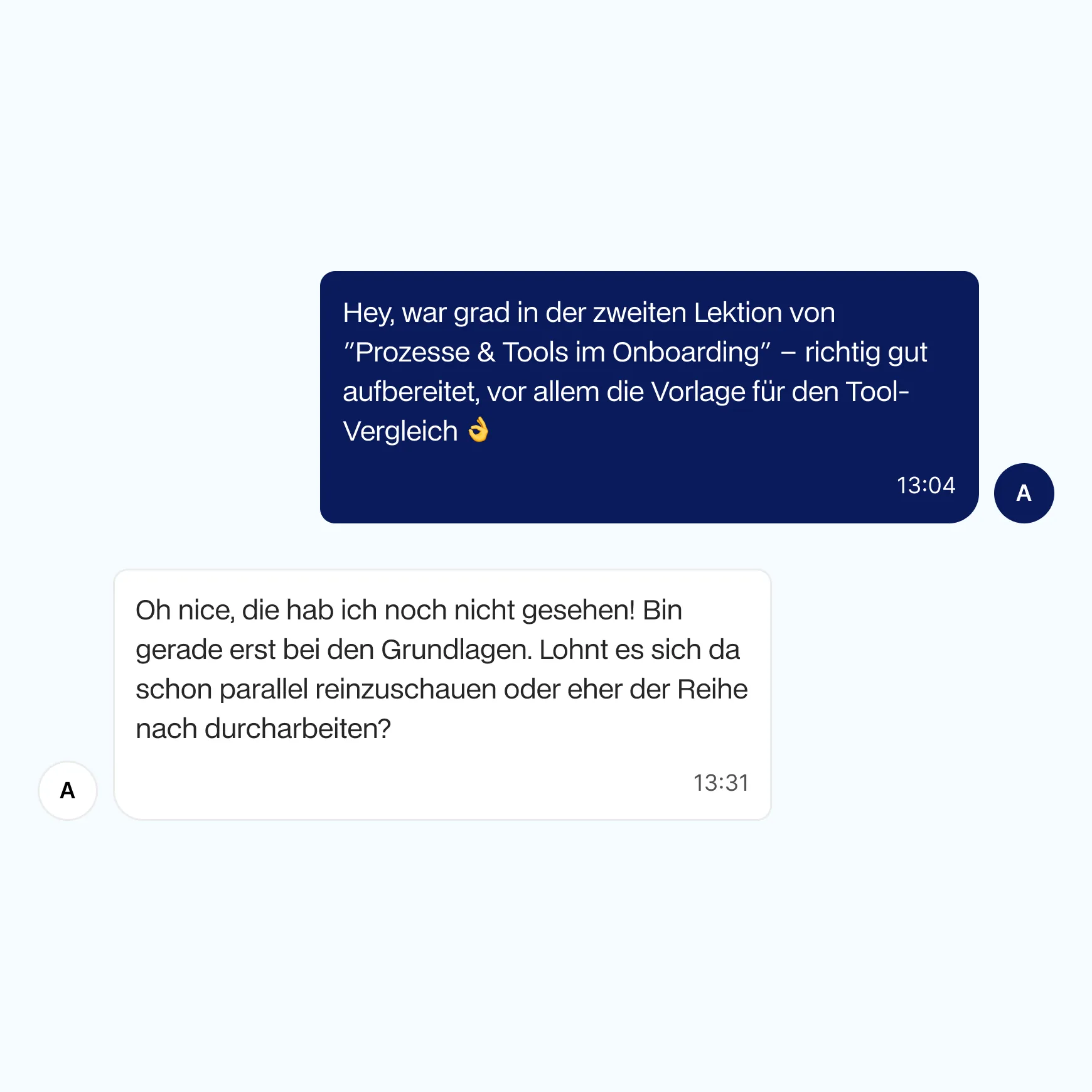
Direct messages, group chats, and file sharing—communication takes place in the learning space, not on WhatsApp.
Direct messages with read receipts and online status
Create group chats for cohorts, teams, or topics
Share files, pictures, and videos in chat
Deliver push notifications for new messages in your apps
Bring live sessions and webinars directly into your courses
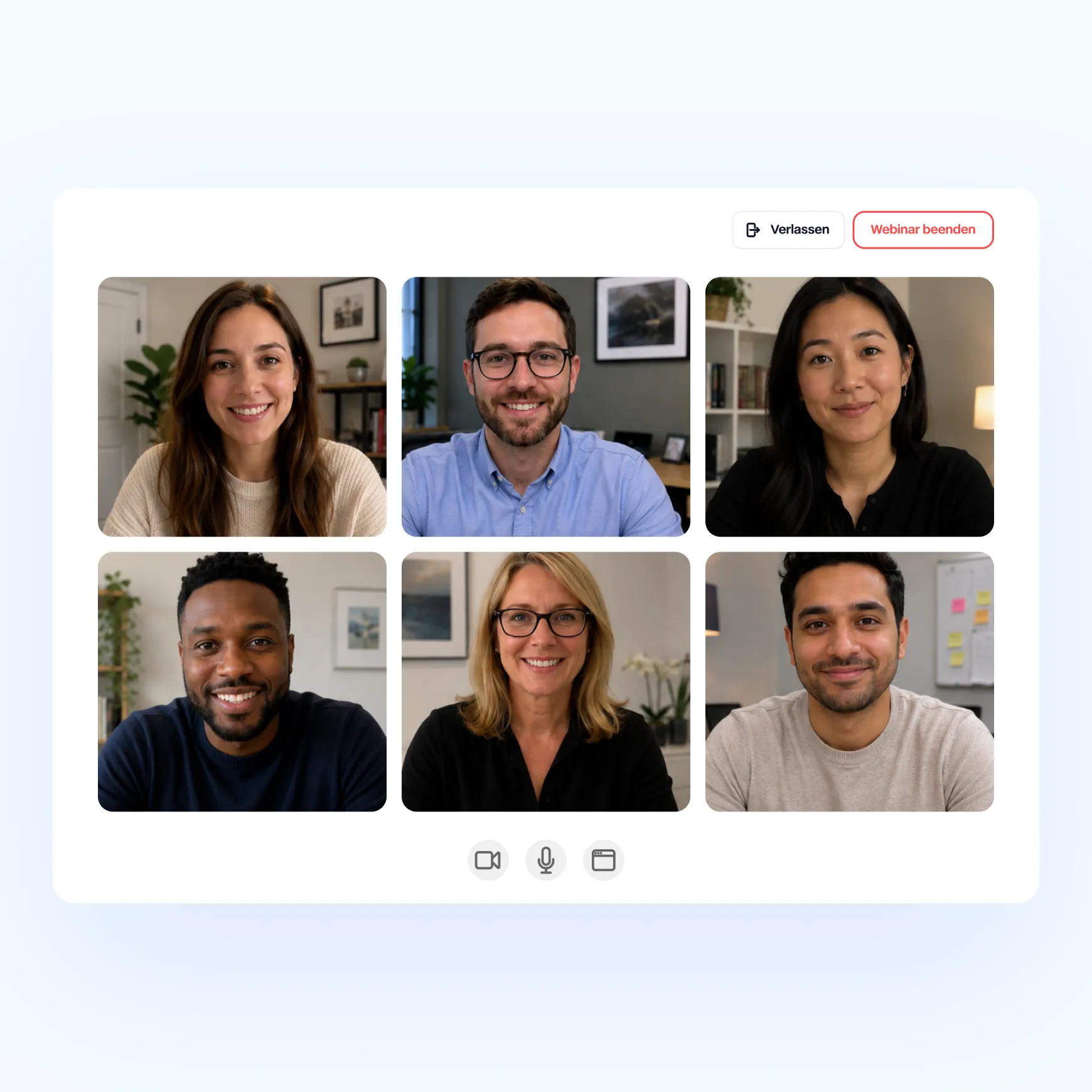
Zoom integration, appointments as lessons, and reminders before every live event—without switching platforms.
Link a Zoom account and embed live sessions in the course
Create webinars as lessons, with a date and reminder
Automatically sync participants from Zoom back to Memberspot
Send push reminders before each live event
More community, "
" without additional tools
Four features that keep your community vibrant—from setting the mood to taking the first step.

Mood barometer
Use a pop-up to ask your members for their thoughts and feedback—the responses will go straight to your learning area.

Feature Requests
Members submit requests, vote, and leave comments—you can see at a glance what your community really needs.

Member Profiles
Each member gets their own profile page with a bio, avatar, and links—so discussions have a face.

Onboarding Tour
A guided "First Steps" tour takes new members straight to their first lesson, their first post, and their first "Like."
Frequently Asked Questions.
Easy Answers.
Can members create their own posts and comments, or do I have to write everything myself?

Members can post, comment, and react in the Spaces you make available to them. For each Space, you decide who can post, who can only read, and whether posts must be approved before they’re published. This keeps the discussion going—without you having to write every message yourself.
How do I prevent spam and inappropriate content in Spaces?
There are several tools at your disposal: You can review posts in a queue before they’re published, appoint moderators for each Space, or restrict access to certain Spaces to selected members only. Posts can be pinned, archived, or discussions closed. When a member is removed, their content remains on the platform but is anonymized, rather than disrupting the discussion.
Can members find and message each other, or does everyone remain anonymous?
Each member has their own profile page with a bio, avatar, and links. Members can start direct messages or group chats via the member chat. You control who can message whom and restrict visibility per Space—from completely open to members of the same cohort only.
Do I need Zoom for live events, or is there a built-in solution?
Live sessions run through your Zoom account, which you link to Memberspot once. You create webinars as lessons in the course, with a date and time and automatic reminders. Participants from Zoom are synced back to Memberspot—you can see who attended without having to manually update the data.
Can I use Memberspot just for the community, without taking any courses?
Yes. You can set up your learning space even without a single course and use only the community features—Spaces, Member Chat, Live Events, and gamification all work independently. If you add courses later, they’ll be directly linked to your existing community.
Try Memberspot for 14 days free