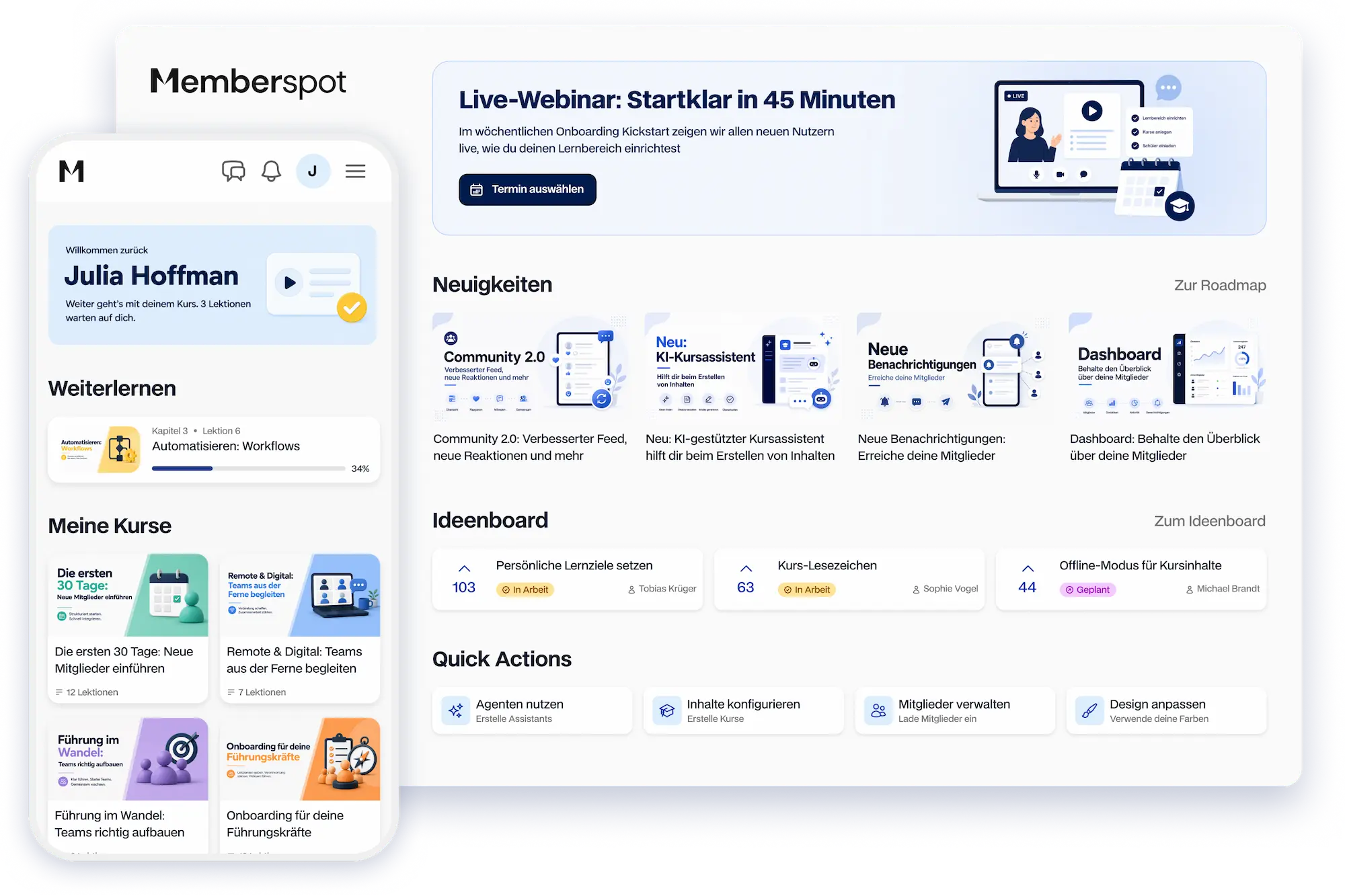



AI that takes your learning experience to the next level.
Built-in agents, custom agents, and AI features throughout the learning platform—GDPR-compliant and hosted on EU servers.



Not just an AI feature.
An AI platform.
AI is integrated into every part of the platform—in the admin panel, in the courses, and in the learning area.
You ask, Memberspot builds and explains.
Four agents are built right into Memberspot. Three of them generate courses, portals, and custom agents based on your description. One is there to answer your platform questions whenever you get stuck.
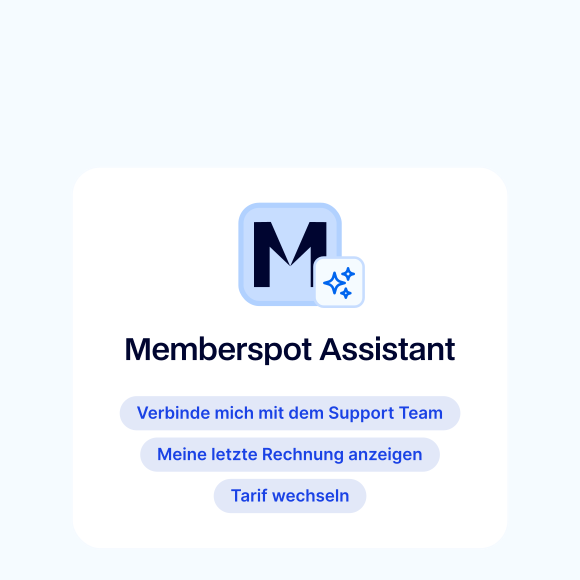
Memberspot Assistant
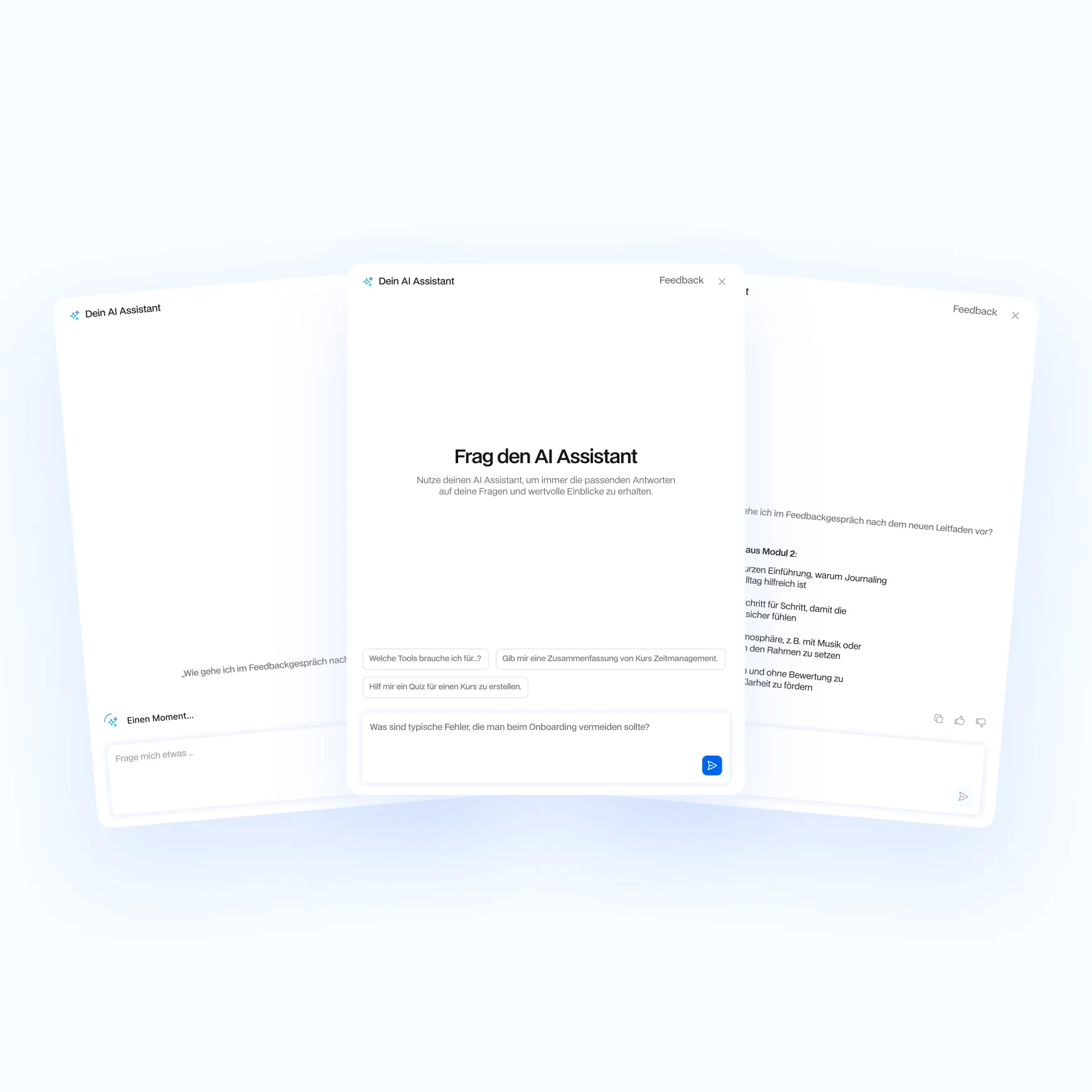
The Memberspot Assistant is right there in the admin panel and answers your platform questions when you get stuck. It knows every feature, every setting, and every section—without you having to open the Help Center.
Course Builder
Describe your course in a few sentences—the Course Builder will generate the structure, lessons, and content. You'll receive a well-designed course template that you can refine and publish right away.
Portal Builder
Tell the Portal Builder who the portal's target audience is and what they want to see—it will put together the appropriate widgets, sections, and layouts and deliver a portal that's ready to use.
Agent Builder
You tell Agent Builder what you want your new agent to be able to do—it sets everything up and suggests what content you should provide. You don't need to know anything about AI.
AI does the grunt work in the background.
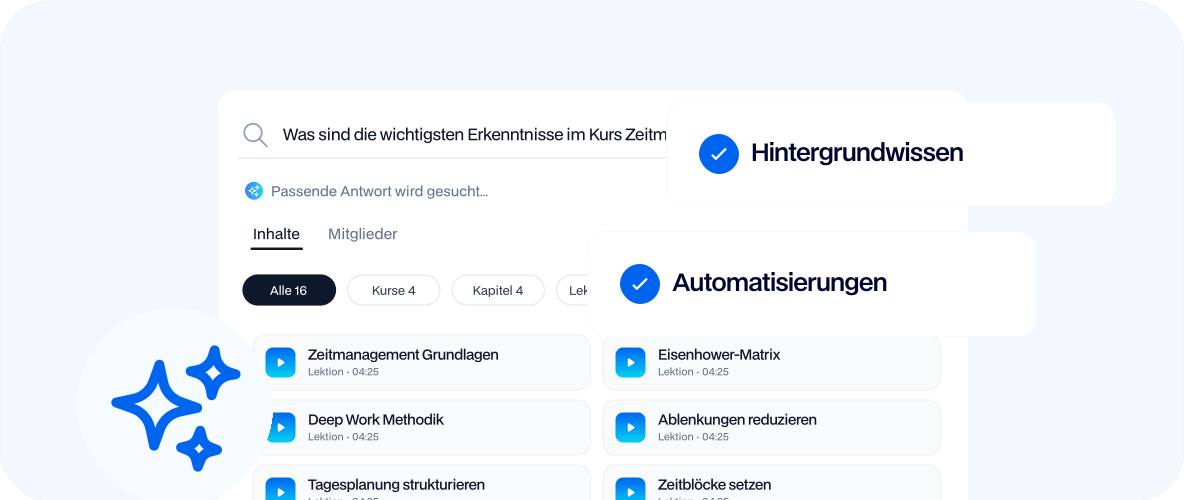
AI works directly on your courses, lessons, and transcripts—without any extra effort.

Automatically transcribe videos and make them searchable
Generate Lesson and Course Summaries Using AI
Generate exam questions based on course content in seconds
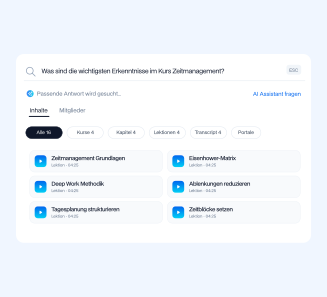
Use AI search to navigate through courses, lessons, and transcripts
Get lesson suggestions based on your course topic
Build the agents your business needs.
Custom Agents handle tasks that keep your members, your team, and your business running smoothly. Onboarding, support, content curation, and financial analysis—these are just four of many possibilities. You build what you need using the content and tools you already have.

Onboarding Agent
Guide new members through their first steps in the learning area. Explain where to find different content, answer common questions from new users, and help them achieve their first learning success—without your team having to respond every time.

Support Agent
Answer members' questions from your courses, your FAQs, and your help content. Respond in the style you specify, and refer them to the appropriate lesson if the topic requires more in-depth coverage.

Content Agent
Create posts, FAQ answers, and supplementary materials based on your course content. You describe the context, and the agent draws on the content you've already developed.

Financial Agent
Get an overview of revenue, outstanding invoices, customer status, and pricing breakdown—right from your connected tools like Stripe or HubSpot. You ask, it delivers the numbers.
You sleep, your agent works.
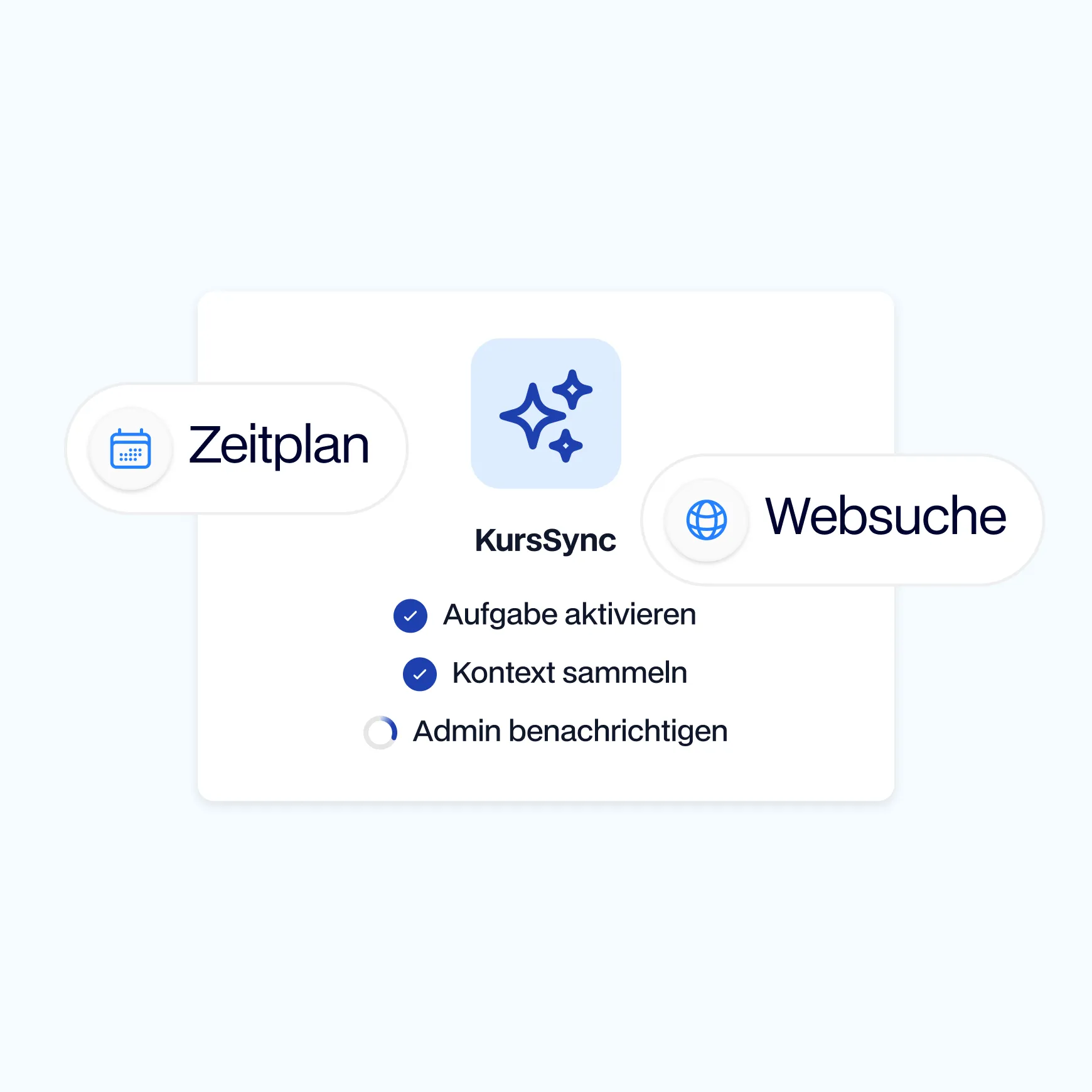
Background agents run autonomously on a schedule—hourly, daily, or weekly. They pull data from your connected tools, check the status of items in the learning environment, and perform actions as soon as the conditions are met.
This way, they take care of recurring tasks that would otherwise end up on your team’s to-do list: compiling reports, running status checks, sending reminders, and consolidating data from multiple sources.
Combine additional sources to get more comprehensive answers.
If you want, you can add external sources—as an optional extension to your Memberspot content.
Unlock course content directly as a knowledge resource for each agent
Upload your own files as PDFs, Word documents, or Markdown files
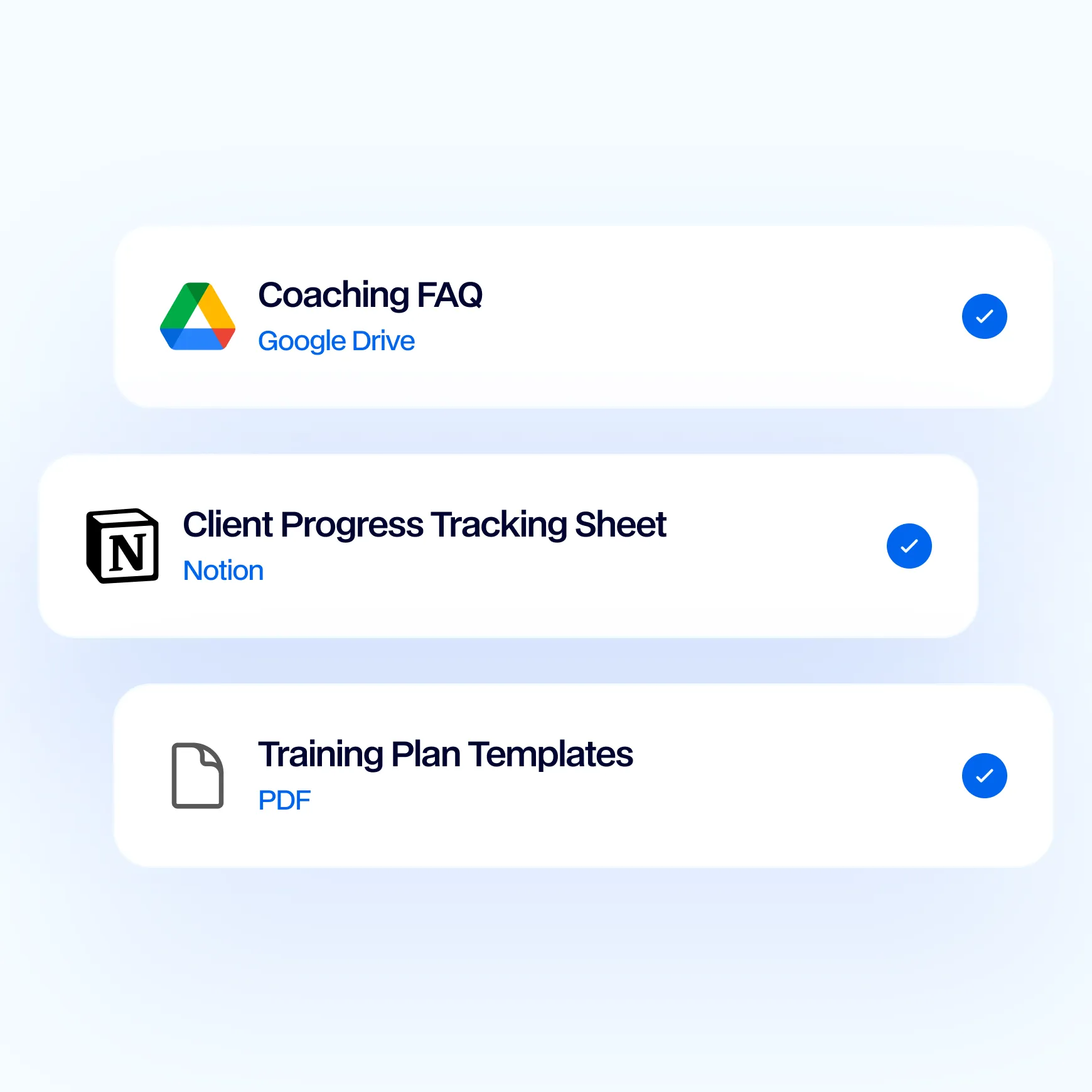
Integrate Google Drive and Notion as Knowledge Sources
Leverage the Intercom Help Center and WordPress posts
Assign Knowledge Sources to Multiple Agents Simultaneously
Frequently Asked Questions.
Easy Answers.
Is my content and member data sent to external AI providers?

Memberspot operates all AI features in compliance with the GDPR and processes content exclusively for the respective AI action. Data is not used to train third-party models. Servers are located in the EU, and your learning environment remains within your jurisdiction. You can find detailed documentation in the Help Center about which models power the agents and how the processing works.
Do agents need external sources of knowledge to provide useful answers?
No. Memberspot Agents work directly with your course content, lessons, and platform data. External sources such as Drive, Notion, or your own files are an optional extension if you want your Agents to access information outside your learning environment. For most use cases, the Memberspot content is sufficient.
How is Memberspot AI different from ChatGPT or an external bot?
Generic AI tools don't know your content, courses, or members. Memberspot Agents work directly with your platform data and provide answers tailored to your learning environment. You don't have to copy, export, or prepare your content—the AI is right where your content already is. This saves you setup time and protects your data.
Can the Memberspot Assistant also help me set up my courses?
The Memberspot Assistant answers questions about the platform—such as how features work, where to find specific settings, and how to proceed step by step. For the actual course setup, there’s the Course Builder, which generates the structure and content based on your description. Both agents work hand in hand in the admin panel.
How technical is it to build your own custom agent?
You don't need any prior knowledge of programming or AI. You describe what you want your agent to do, and the Agent Builder suggests knowledge sources and tools and sets everything up. You test, adjust, and approve. If you already have experience with AI, you can also configure the model, system prompt, and tool bindings in detail.
Try Memberspot for 14 days free