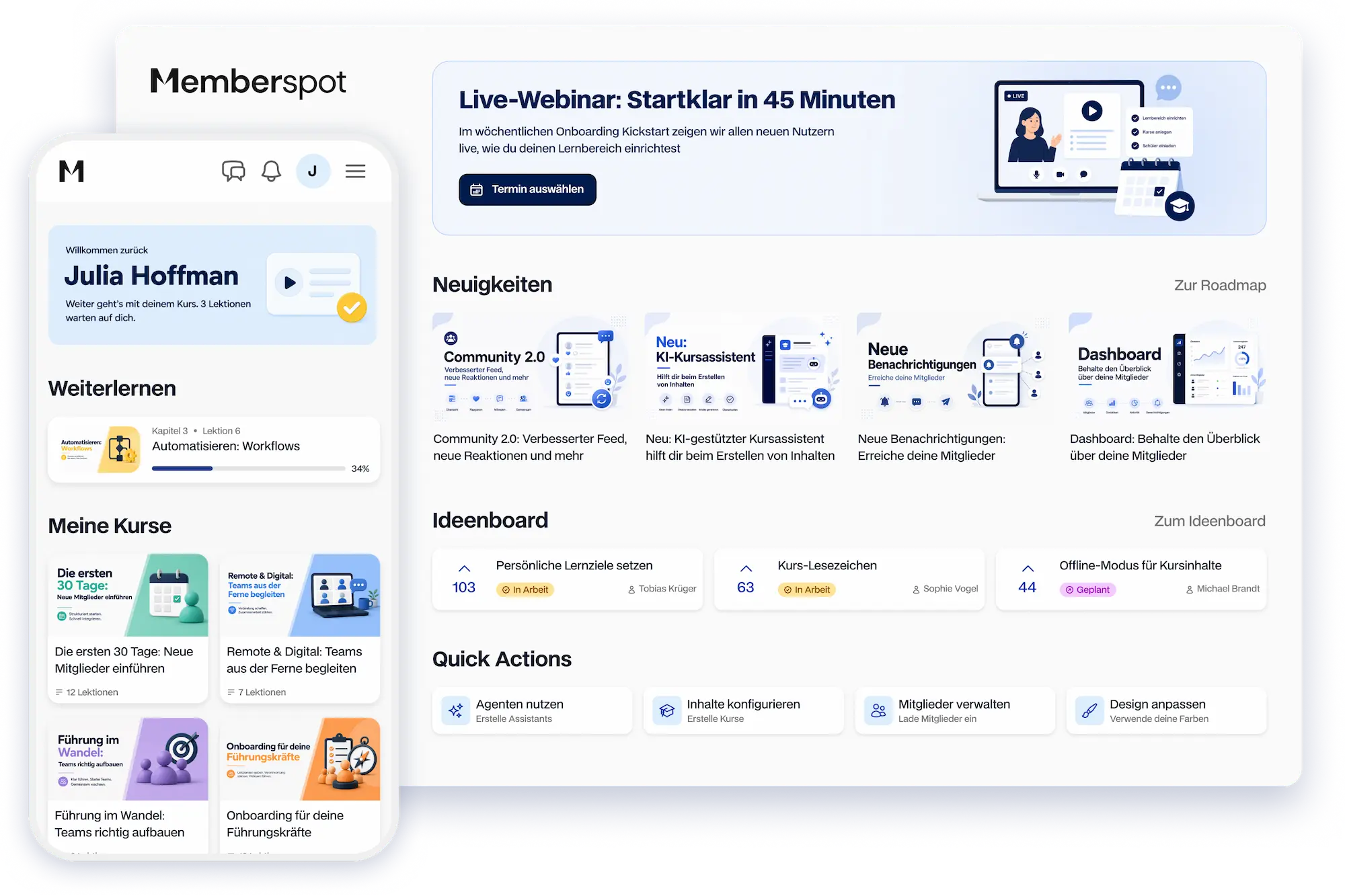



Branding & Apps:
Your brand, your app, your domain
Logo, colors, fonts, domain, and your own app in the store—Memberspot provides the infrastructure; you keep the brand.



Your members see your brand. Memberspot stays in the background.
A brand experience from the first email to the app—without the Memberspot logo or Memberspot URL.
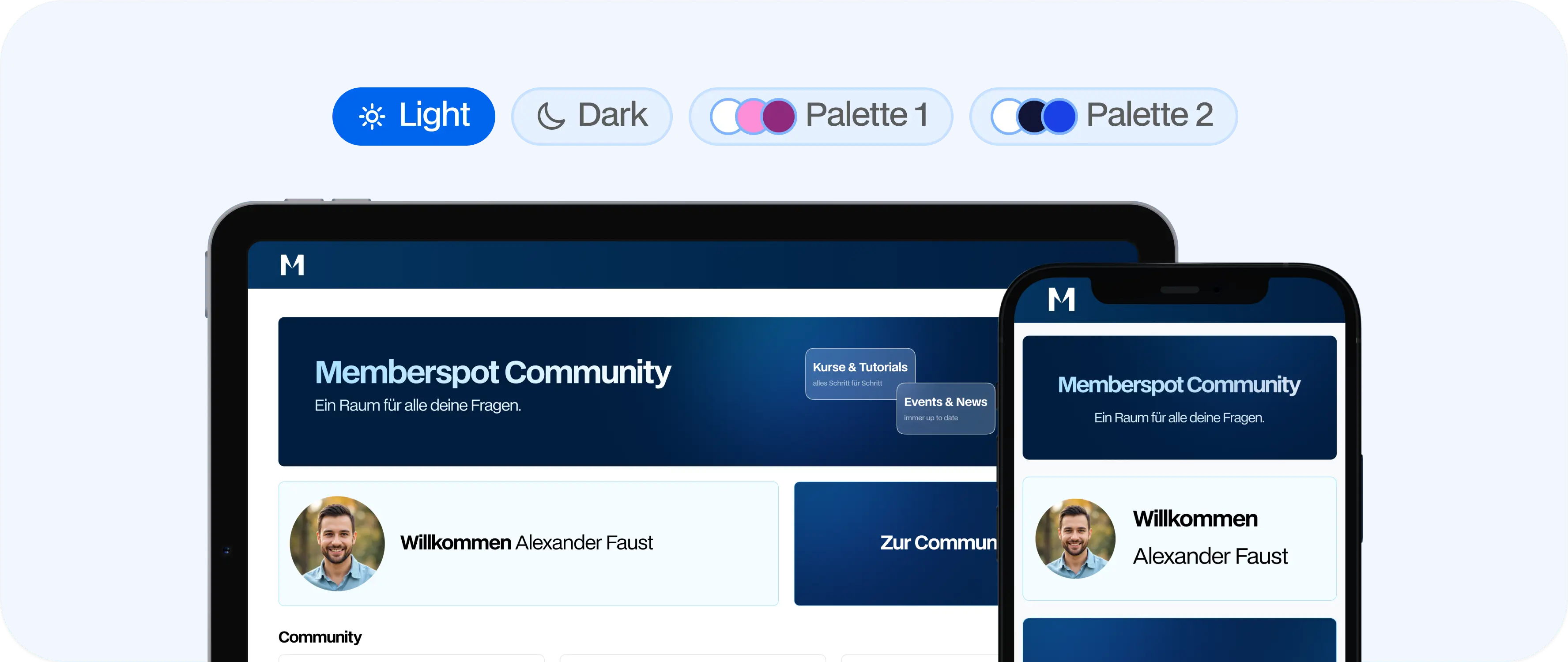
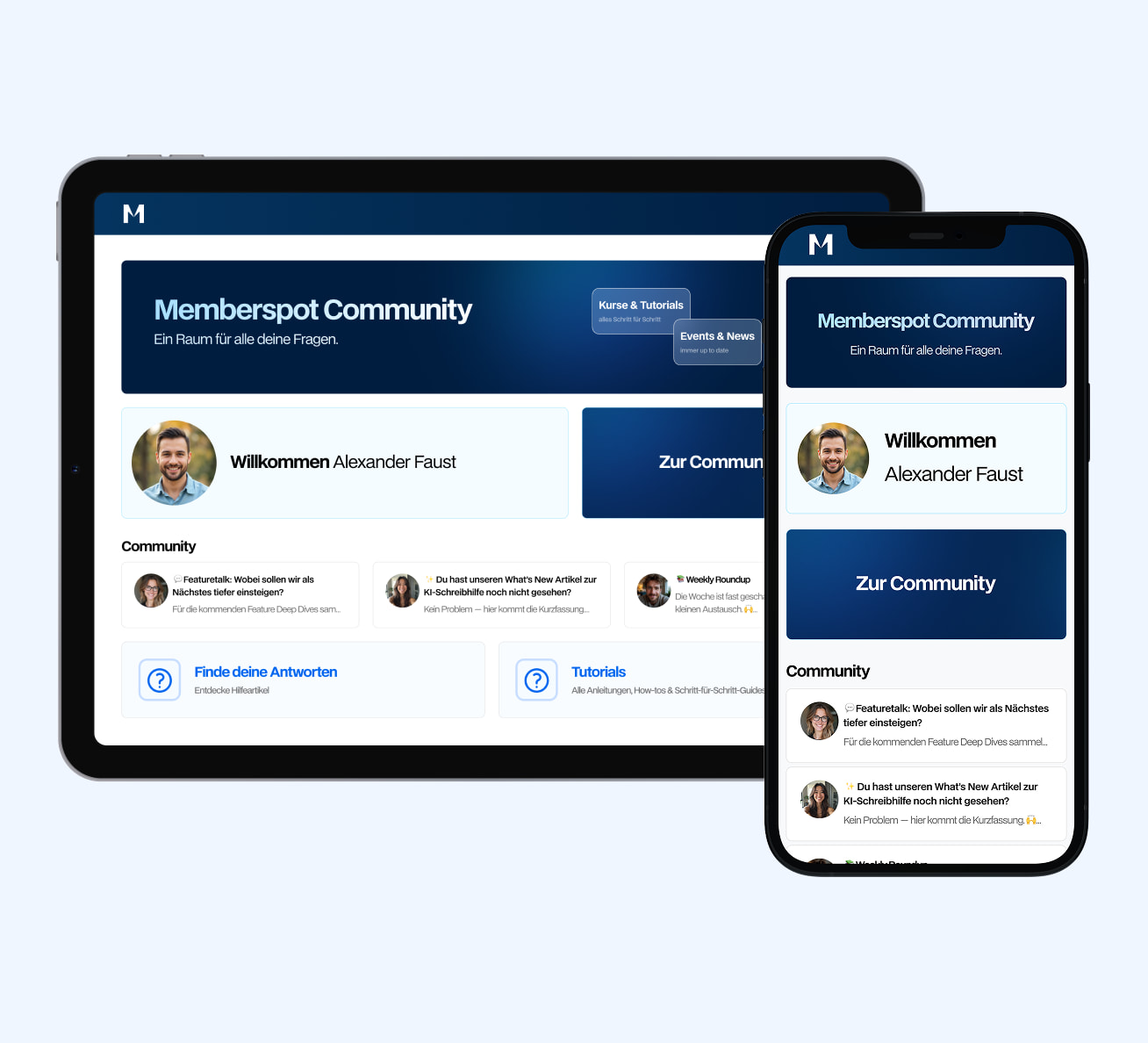
From the login page to email—everything in your brand style
Your brand is present at every touchpoint: the learning area, emails, login, and portals.

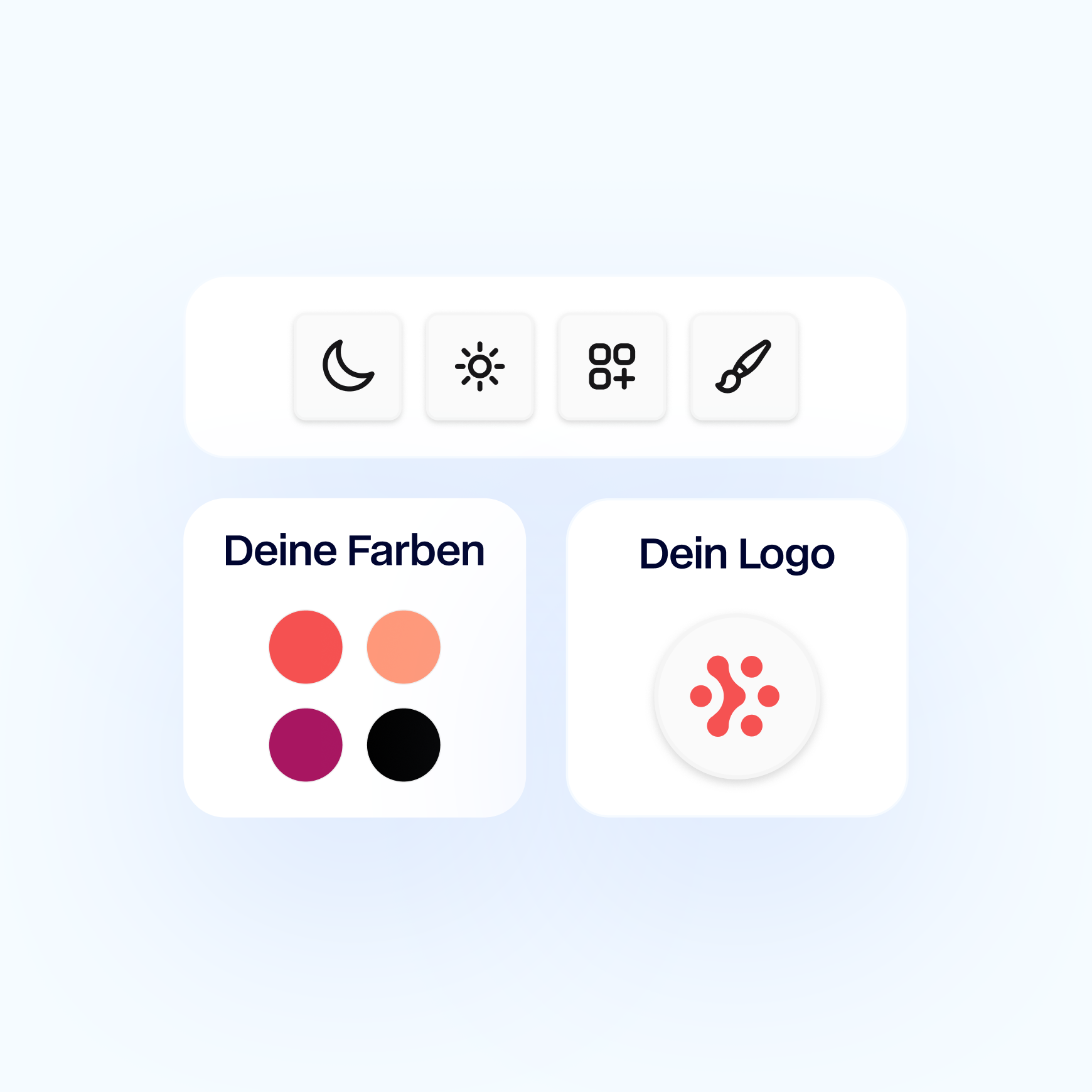
Upload the logo for the learning area, portals, and mobile app
Set the color palette, fonts, and light or dark theme centrally
Customize login pages and system emails with your logo, colors, and text
Set custom colors, fonts, and logos for each portal to cater to different target audiences
.webp)
Native app for your members —ready to use right away
The Memberspot app is available in the Apple App Store and on Google Play—free of charge for your members.
Use a native app for iOS and Android without having to develop it yourself
Give all members an app experience from day one—at no extra cost and with no setup required
Deliver native push notifications and background updates directly to the lock screen
Audio lessons play in the background; bookmarks and playback speed are controlled directly in the native player
Synchronize learning progress and playback position across the web, iPhone, and Android
An app experience without having to go through the store
Members don’t have to go to the App Store first—your learning area can be dragged directly from the browser to the home screen, with your logo as the icon and your brand colors. From then on, they can open it just like a native app, in full-screen mode and without the browser address bar.
A direct path to an app-like experience—without your own app, without store approval, and without update cycles.
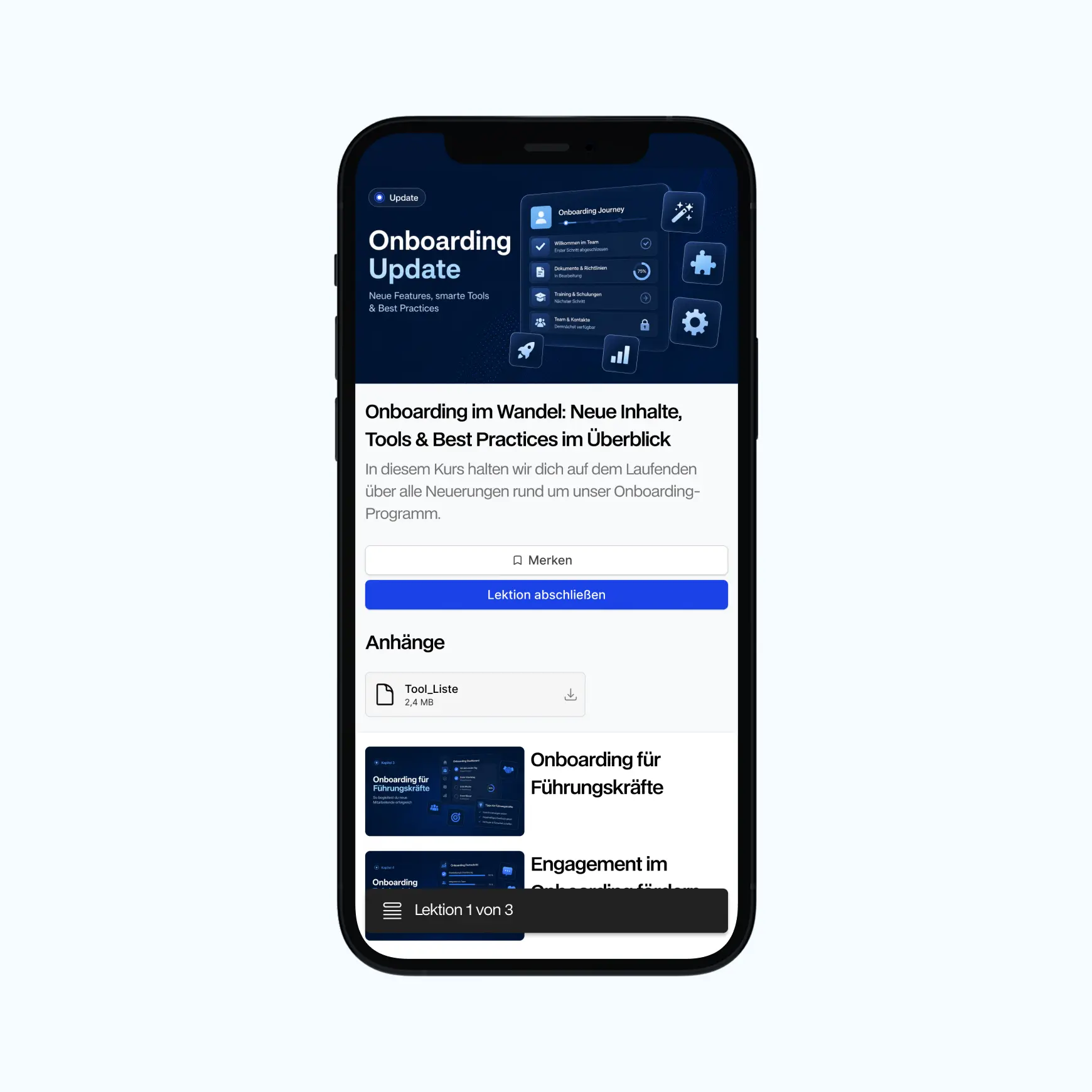
.webp)
The new Memberspot apps in the Store. Or as a PWA with your logo.
Native iOS and Android apps—
—will soon feature your logo and name as well
Push notifications for lessons, posts, and assignments
Native player with playback speed and bookmarks
Progress tracking: always picks up where your members left off
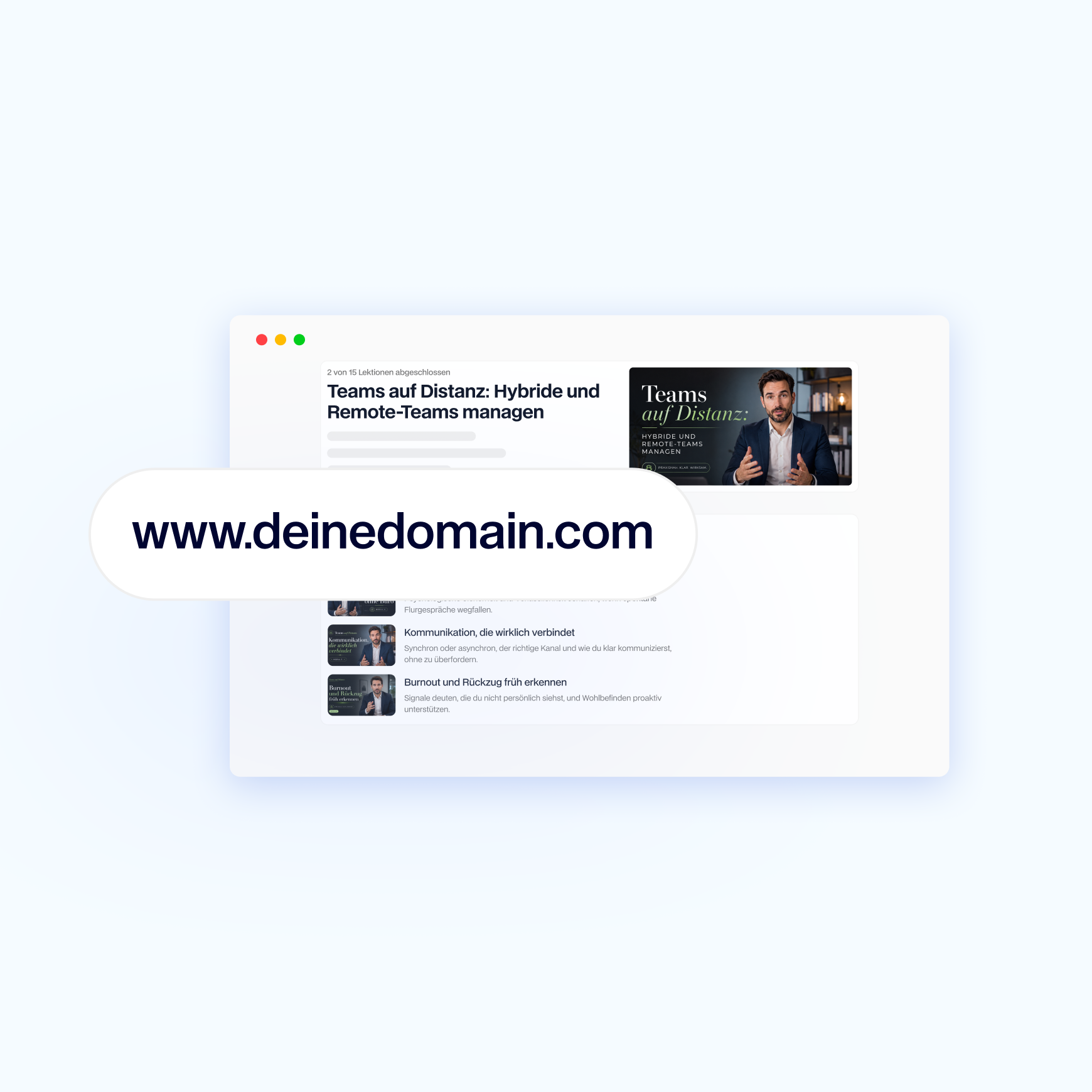
Your learning platform runs under your own domain
Learning area, login, and emails on your domain—the URL belongs to you, not us.
Set up a learning portal under your own domain, for example, learn.yourbrand.de
Every URL for courses, lessons, and posts is hosted under your domain—and you can include your brand in the link
You can also choose to send emails to members from an address on your domain
Get and renew your SSL certificate automatically, without any setup or hassle
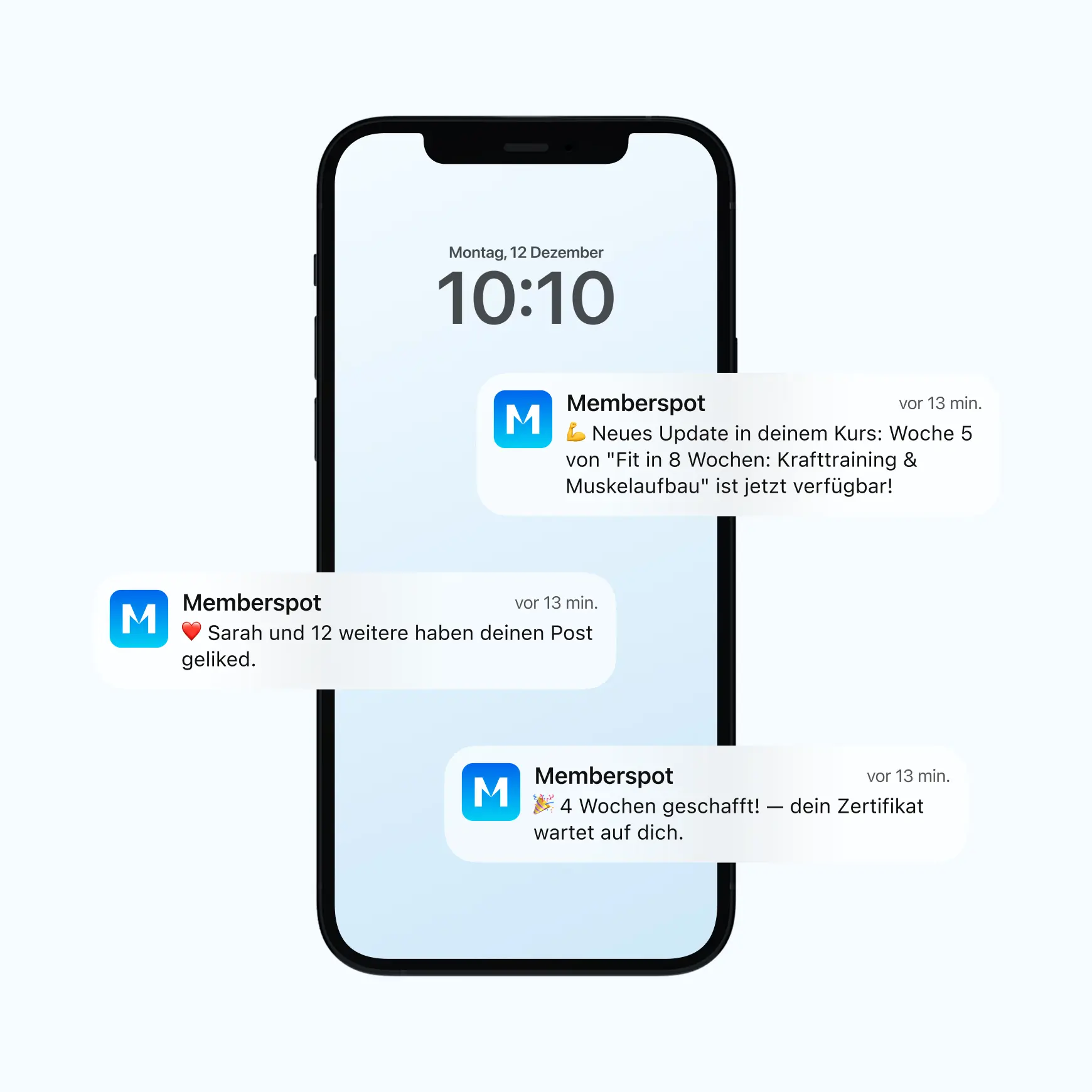
Notify members as soon as something important happens
Memberspot sends push notifications about events in the learning area—new lessons, comments, reactions, live sessions, and tutor feedback. Members can customize their push preferences for each event type and manage push notifications, in-app notifications, and emails all in one place in the Notification Center.
Instead of reaching members via email, you bring them directly to their devices. Those who prefer less frequent notifications can receive daily or weekly digest emails.
Frequently Asked Questions.
Easy Answers.
What sets the Memberspot app apart from a custom app?

The Memberspot app is available under our name in the Apple App Store and on Google Play—free of charge and immediately available to all your members. In the learning area itself, they’ll see your logo and colors. You can get your own app with your name in the store listing as an add-on upon request.
Do I need technical knowledge to set up a custom domain?
No. You connect your domain to Memberspot via a DNS record that our support team will set up with you, and the SSL certificate is configured automatically. Optionally, you can also send emails from your own domain—we’ll set that up with you as well.
Does the PWA also work on the iPhone?
Yes. Members open your learning area in Safari, tap “Share,” and then tap “Add to Home Screen.” The icon will appear with your logo, and from then on, the learning area will run in full-screen mode like an app. For push notifications on the iPhone, we recommend the Memberspot app or a custom app.
Can I still change my branding later on?
Yes. The logo, colors, fonts, and theme can be customized at any time—the changes take effect immediately in the learning area, on the login pages, and in system emails. There are exceptions for custom apps: Major branding updates require a new store submission, and we’ll reach out to you proactively about this.
Do my members need an app to use my learning platform?
No. Your learning area runs in the browser on any device—no app, no installation required. If you want the app experience, you can install the Memberspot app, your own app from the app store, or your learning area as a PWA. It’s up to your members to choose which option they prefer.
Try Memberspot for 14 days free