SCORM support in Memberspot: Import your e-learning content in minutes
With its new SCORM support, Memberspot brings one of the most important standards in the world of e-learning directly to its platform.
This allows existing learning modules from professional authoring tools to be easily imported and seamlessly used in Memberspot.
The best part: uploading, processing, and tracking happen automatically—no manual configuration required.
What is SCORM?
SCORM (Sharable Content Object Reference Model) is the most widely used standard for e-learning content worldwide.
It enables learning modules from authoring tools such as:
- Articulate Storyline
- Adobe Captivate
- iSpring
- Lectora
Export as a ZIP package and play on compatible learning platforms – including:
- Progress tracking
- scores
- time measurement
- Completion Status
With the new SCORM support, Memberspot can now import this content directly and evaluate it in its entirety.
Full support for SCORM 1.2 and SCORM 2004
Memberspot supports both major SCORM versions:
- SCORM 1.2
- SCORM 2004
During upload, the system automatically recognizes the version via the package structure (imsmanifest.xml).
Manual configuration is not necessary.
This means that almost every existing SCORM package works immediately.
Easy upload – automatic processing
Admins simply upload a SCORM package as a ZIP file in the course manager.
.webp)
Memberspot then automatically takes over:
- Unpacking the archive
- Analysis of the manifest file
- Identification of the start page
- Deployment of the learning module
Meanwhile, a live status indicator shows each processing step—from upload to "Ready" status .
Seamless SCORM player for learners
For members, SCORM content is displayed directly in an integrated player.
Features of the player:
- full-screen mode
- seamless integration into the platform
- no cross-origin issues
- Resume and bookmarking support
This means that learners can continue learning exactly where they left off at any time.
Progress tracking
Memberspot captures all important data points of the SCORM standard.
These include, among others:
- Status
- scores
- time tracking
- learning objectives
- interactions
- bookmarking
Test management and admin reporting
If SCORM packages define a trial restriction (e.g., for exams), Memberspot automatically implements it.
Admins also receive a dedicated SCORM reporting view with complete transparency over:
- Progress of individual learners
- scores
- time required
- Objectives
- interactions
Fully integrated into the Memberspot course system
SCORM courses are fully integrated into the Memberspot system.
This means:
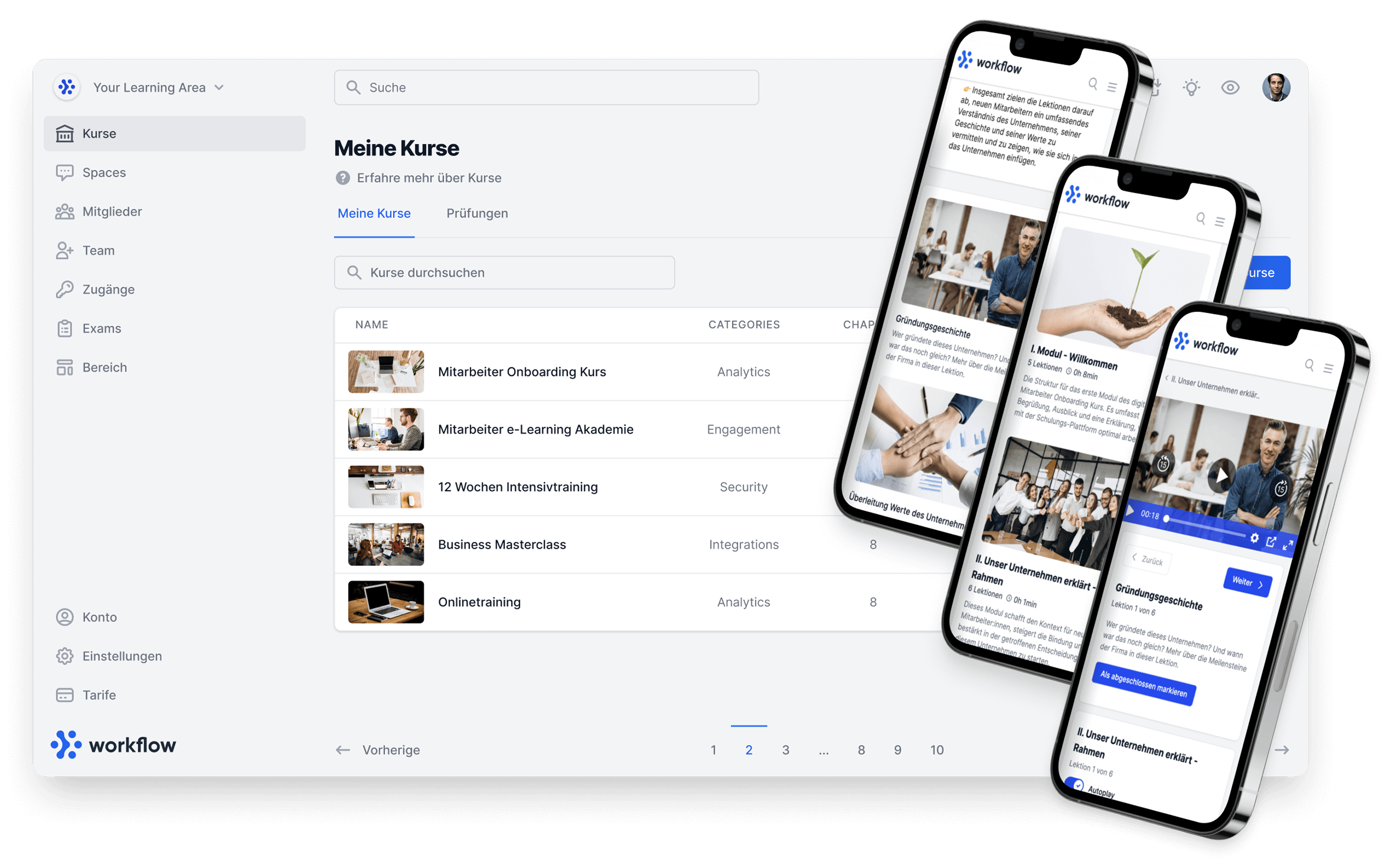
- SCORM courses appear in the normal course library.
- Progress flows into the overall progress of the platform
- Automations respond to SCORM completion
.webp)
Typical areas of application
SCORM support opens up many new possibilities:
Corporate Training
Import compliance, onboarding, or product training courses from professional authoring tools.
Agencies & Course Providers
Combination of Memberspot courses with externally produced SCORM content.
certification programs Use of SCORM scoring and pass/fail logic for exams.
Blended learning
Mix of interactive SCORM modules, videos, text content, and community features.
Migration from other LMS
Existing courses can be easily exported as SCORM and imported into Memberspot—without any loss of content.
Learn more about SCORM in Memberspot in our help article at:
https://help.memberspot.de/de/articles/11736571-scorm-inhalte-in-memberspot-einbinden-und-nutzen
Have fun testing!



%20V1.webp)

%201.png)