Do you know the difference between an AI assistant and an AI agent? We’ll explain it—because it’s more important than it seems at first glance.
The AI Assistant is ready to use—no setup, no prompts, just activate it. AI Agents are for anyone who knows exactly what they want—build your own custom GPTs right in Memberspot.
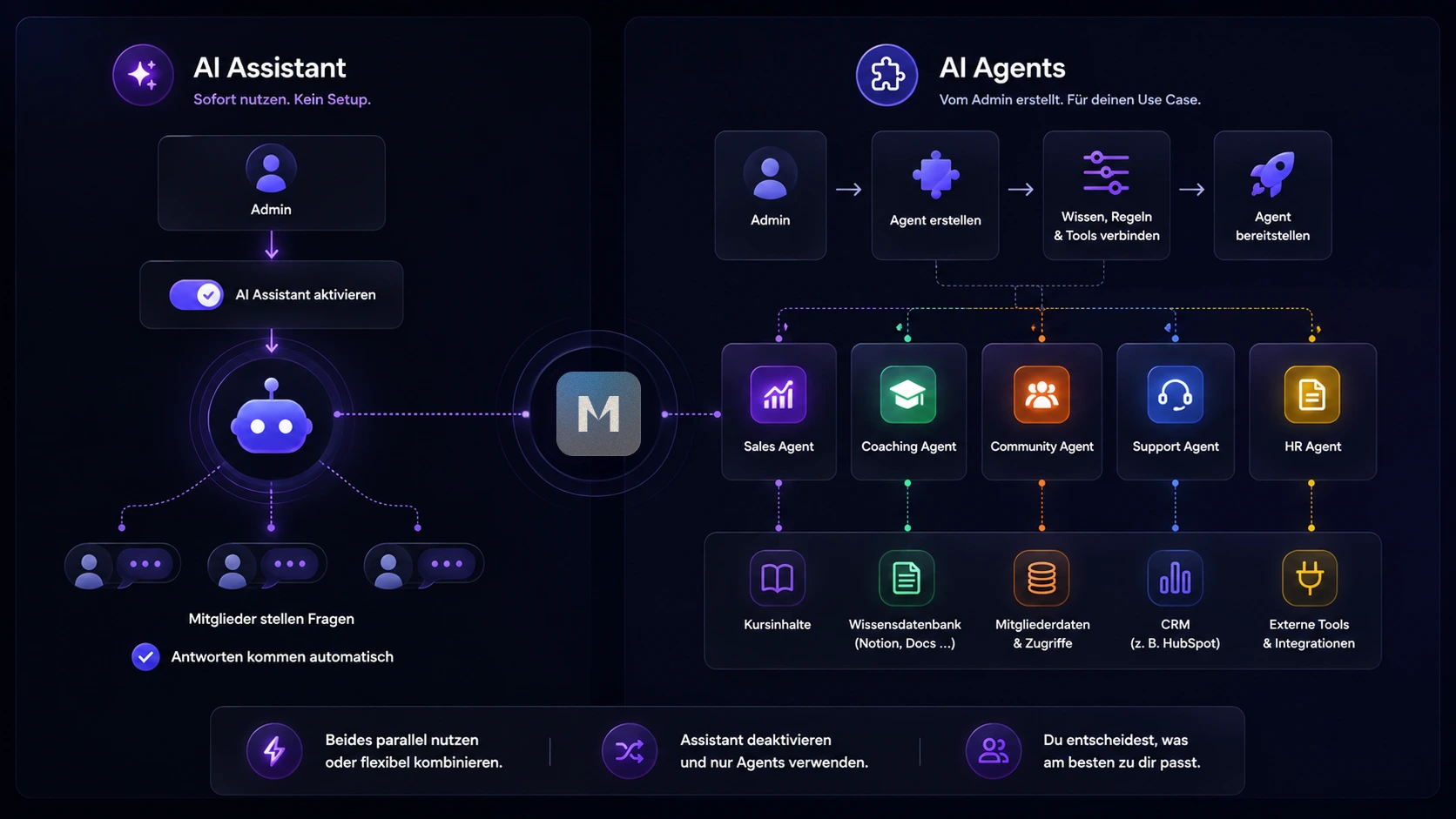
AI Assistant vs. Agents – At a Glance
Just activate it – the AI Assistant
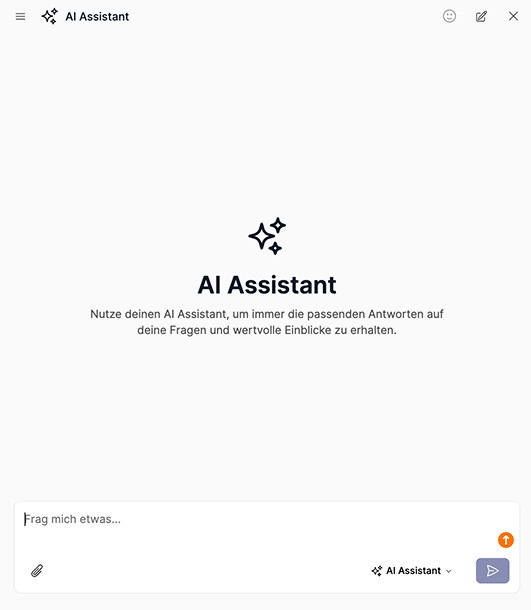
The AI Assistant for your members is available starting with the Scale plan. Activate AI Studio and then the AI Assistant—and your members will immediately have a smart resource for questions about your content. It automatically respects member permissions: If a member has access to only certain content, the Assistant will only answer questions about that specific content. No member will learn more than their access allows—without you having to configure anything.
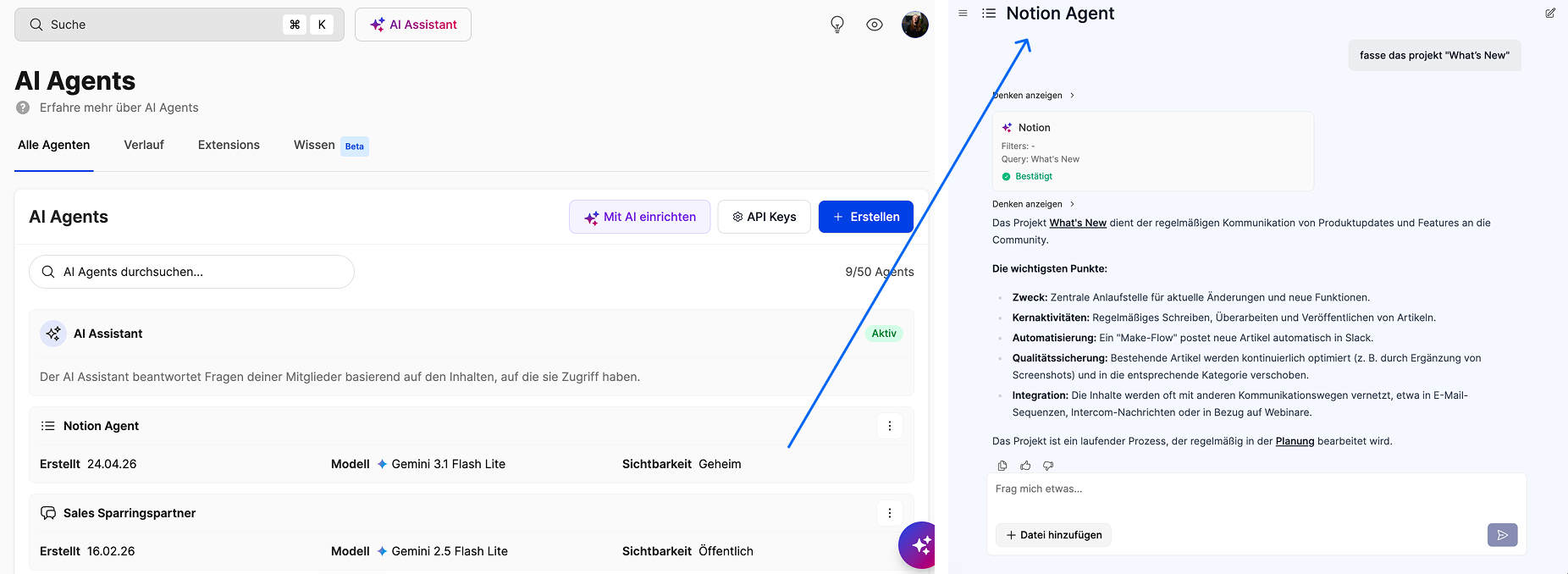
Full control – AI agents for your custom GPTs in AI Studio
In AI Studio, you build agents—your own custom GPTs—exactly the way you want them. You decide what knowledge to use, how to respond, and what’s allowed. If you’re familiar with ChatGPT, you know the concept: a custom GPT tailored to your specific use case. The only difference is that here, it lives right in your member area.
This freedom comes with a responsibility: You have to set the permissions yourself here. Make sure the "Enforce user permissions" checkbox is selected.
Here's how to combine the two
You can use the AI Assistant and your AI Agents (Custom GPTs) at the same time—or disable the Assistant and rely entirely on your AI Agents. How you combine them is up to you.
Get started right away — the AI Assistant
- Give your members direct access to AI—no setup, no technical know-how required
- The Assistant only answers questions about content that the member in question has access to
- See how your members interact with AI—with no risk
Build your own custom GPTs — the AI Agent
- Build your own custom GPT that only responds to a specific course or topic
- Choose your agent's tone, language, and personality yourself
- Replace the Assistant and offer several specialized custom GPTs for different areas of your school instead
- Connect your AI agent to external tools or configure it with custom instructions that go beyond the standard functionality
Our tip
Never built a custom GPT before? Get started with the AI Assistant—no setup, no risk, ready to use right away. If you want more control, AI Studio is your next step.




%201.png)