Until now, your AI agent was smart—but it felt cut off from the outside world. It only knew what you fed it. Data from other tools? Manual work. Actions in external systems? Not possible.
That's about to change.
At a glance
- Your AI agent now reads data in real time from external tools and performs actions there—no more manual copying
- Up to 10 extensions can be connected per account: via MCP, REST API, or Notion OAuth
- You decide which actions the agent is allowed to perform—and whether it should ask for confirmation first
- Extensions work in real time; for large volumes of documents, combine them with knowledge tools
What can your agent do now that he wasn't allowed to do before?
Tasks that currently require you to switch between tools, copy data, or look things up manually—your agent can now handle them on its own.
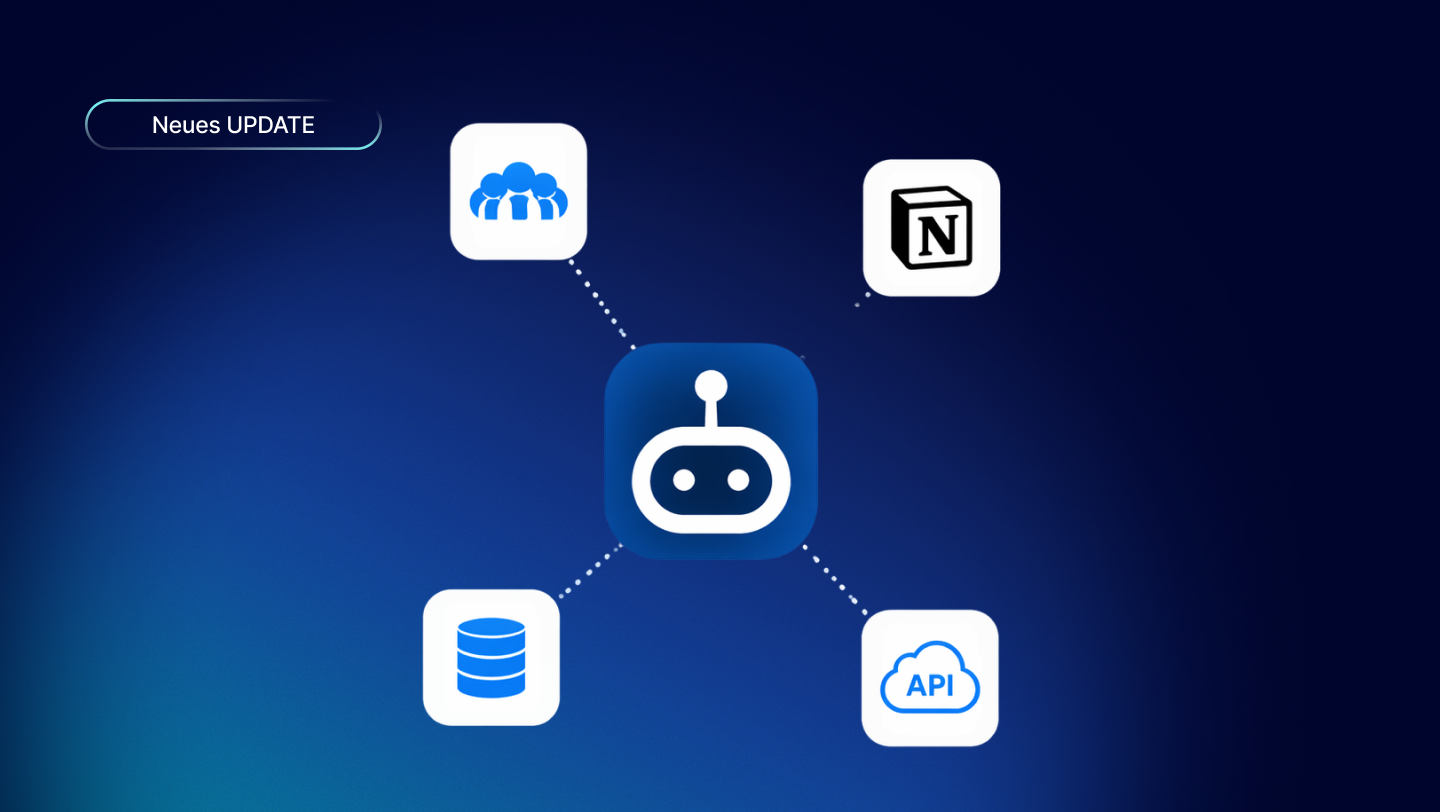
An extension connects it directly to external systems: Notion, your ATS, your own API. No detours, no extra steps.
- He sees the current status.
- It works without you having to open the tool.
- Move applicants to the next stage? Create new customers in CRM? Done. You ask, it does.
What used to take three tabs and five minutes now happens in a single sentence.
How much time does that really save you?
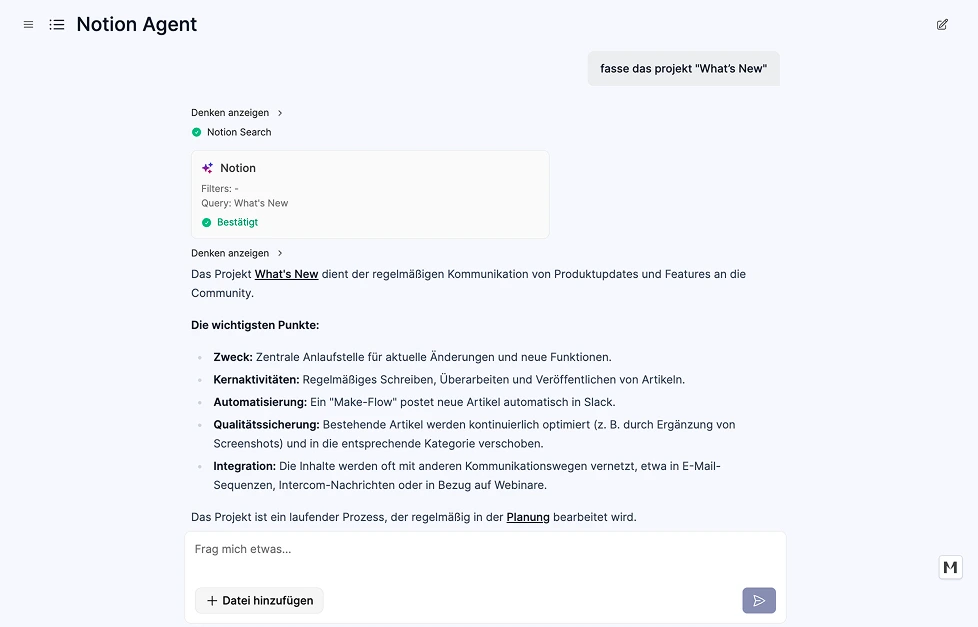
Imagine asking your agent, "How many applicants are currently in the final stage?"
Without the extension: You open your ATS, filter the results, review them, and copy the answer back into the context.
With the extension: The agent queries the connected tool (e.g., Recruitee) directly—and gives you the answer right away.
Or: “Add the new employee to the HR system.” The agent does it. Right away. Without you even having to open the tool.
That might not sound like much. But if it happens several times a day—to you, to your team—it adds up to real hours each week.
How do you get the most out of hair extensions?
Rule 1: Use extensions for actions and real-time data. If you want the agent to perform an action—change a status, create a record, or query real-time data—an extension is the right choice. Knowledge tools cannot do this.
Rule 2: A knowledge tool for large volumes of documents. HR manuals, FAQs, contracts—these aren’t tasks for extensions. Here, data is indexed and vectorized in advance. Searches are significantly faster because the agent doesn’t have to comb through the API.
Rule 3: Combine both. That’s the sweet spot. An onboarding agent uses a knowledge management tool to familiarize themselves with the company handbook—and uses an extension to create new employee records directly in the HR system. It’s not an either/or situation.
Rule 4: Grant write access carefully. You can grant unrestricted read access. For write access—that is, anything that modifies data—it’s best to require confirmation before granting it. This helps your team stay on top of things.
3 Real-World Examples
1. Slack Becomes the Coach Hub
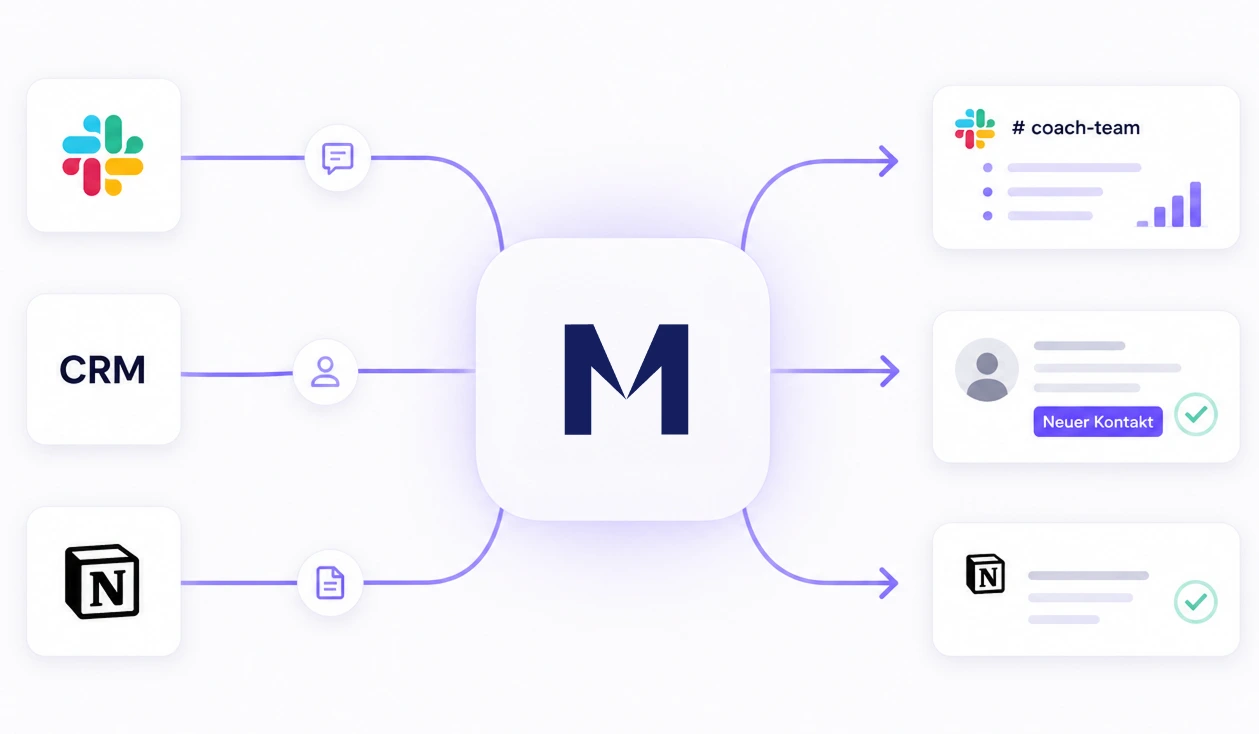
Coaches work in Slack all day long. Memberspot simply runs in the background. Once set up, Memberspot automatically detects when members get stuck or have unanswered questions. Every Monday, a concise summary is posted in the appropriate Slack channel.
No login required. No need to look it up manually.
👉 Memberspot delivers the right information right where your team is already working.
2. New members are automatically added to the CRM
As soon as someone enrolls in a course, more than just a login takes place in the background. Memberspot automatically transfers new members to the CRM, including all relevant information such as the package they booked or their status.
No exporting. No copy-pasting. No Zapier.
👉 Memberspot serves as a direct link between the learning platform and sales.
3. Knowledge from Notion becomes immediately usable
Your knowledge isn't just stored in Memberspot—it's also in Notion and Confluence. The agent accesses both platforms and uses them simultaneously.
Questions are answered immediately based on course content and internal documentation.
No switching between tools. No need to look things up.
👉 Memberspot connects content and makes knowledge available everywhere.
The honest limitation
Extensions make live API requests. When dealing with very large amounts of data—thousands of records in an API—searches can become slow. In such cases, a knowledge tool with periodic syncing is the better choice: the data is indexed in advance, and results are returned in milliseconds.
The rule of thumb: A few targeted data sets plus actions → Extension. Large volumes of documents to search through → Knowledge Tool.
For more information and instructions on how to enable the extension, please see our help article.
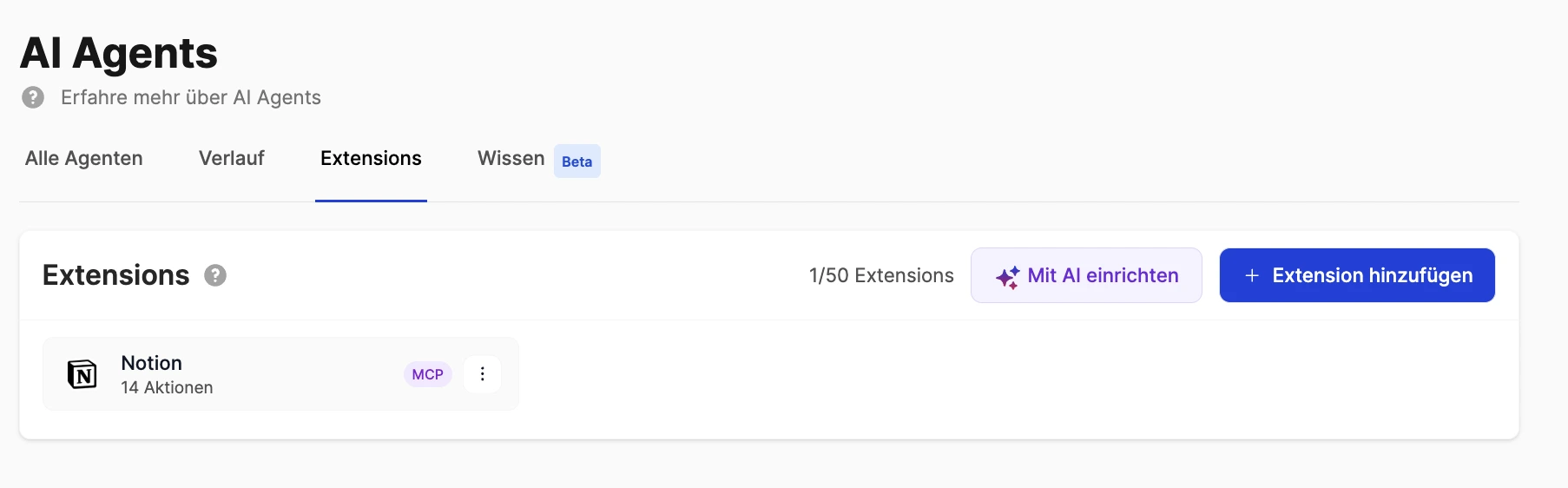
You can find extensions under AI Agents → Extensions. Connect your first system and see what your agent does with it.